microSD
Understanding U3, V30, A1 and A2 microSD ratings
Learn what video, UHS and application performance classes measure—and why host support still matters.- Published
- Updated
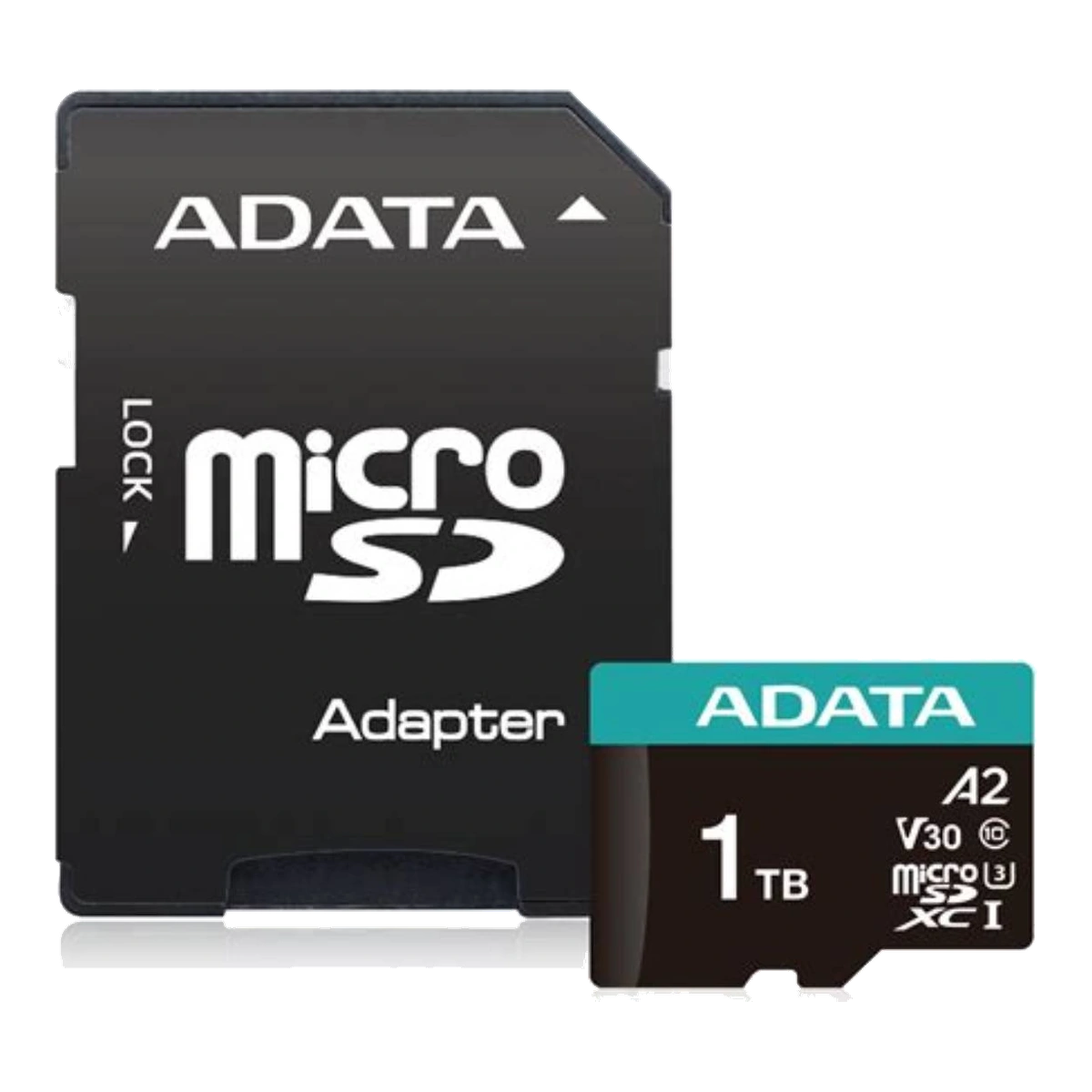
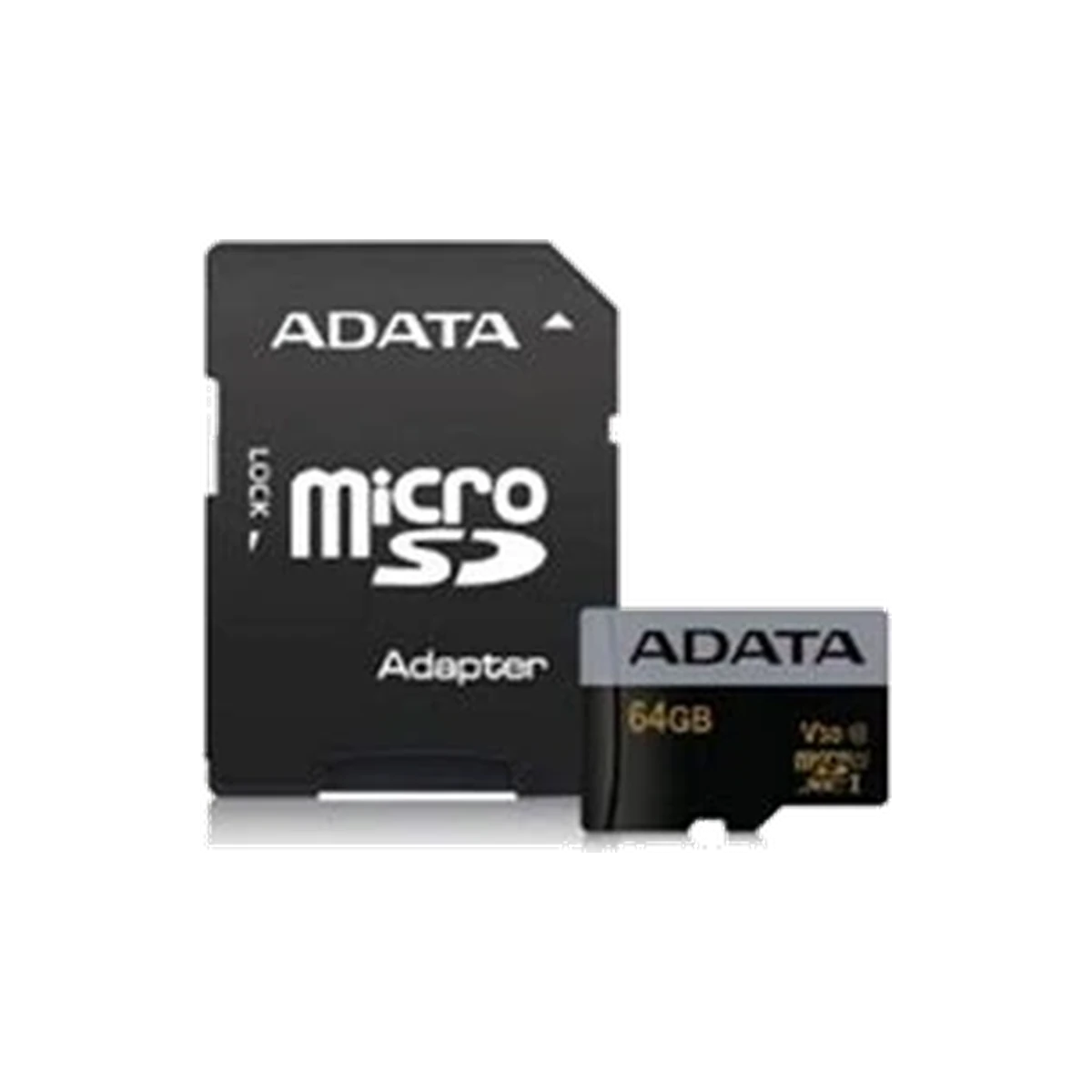
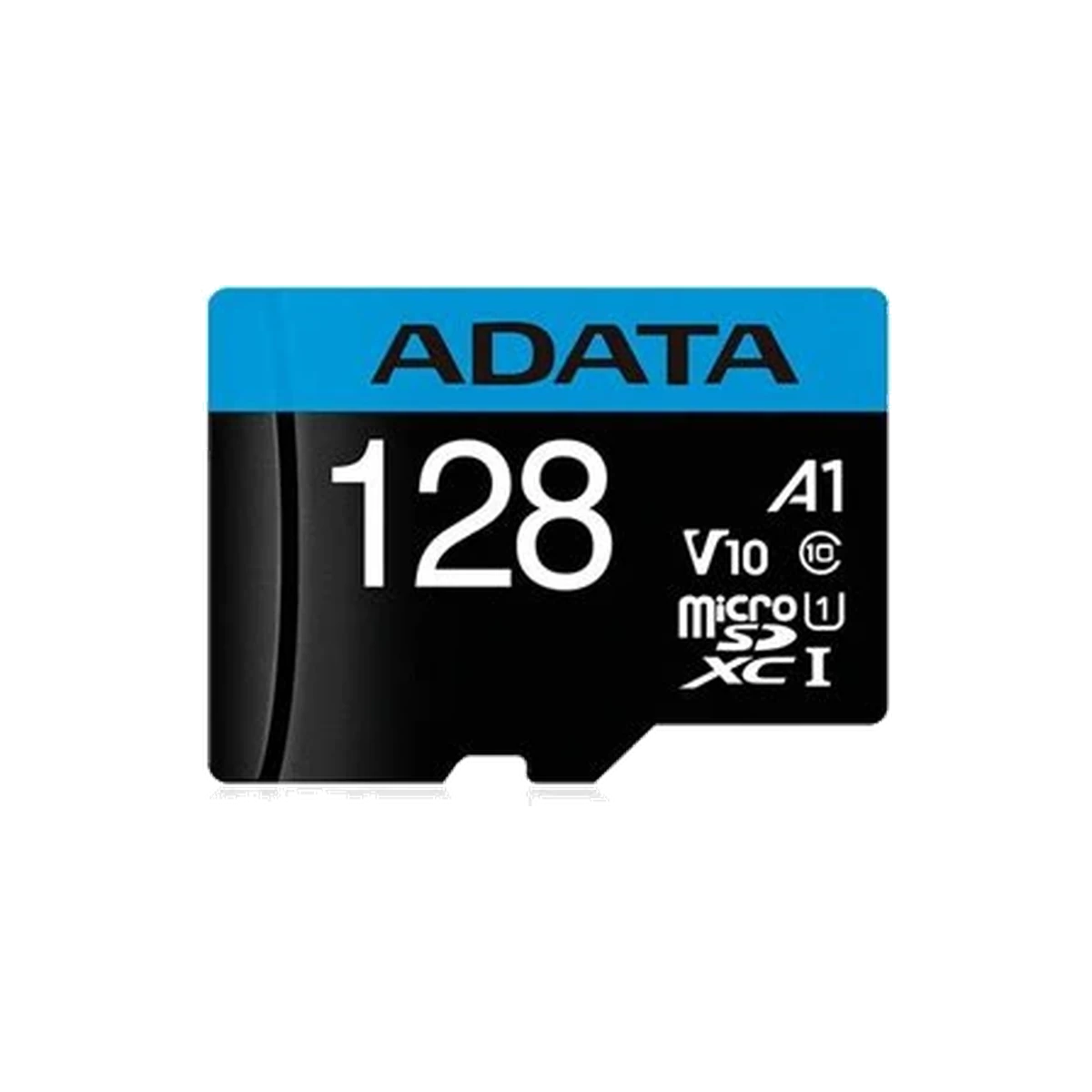
A microSD card can carry several logos at once because the logos do not all describe the same workload. U3 and V30 concern minimum sequential writing under their respective speed-class systems. A1 and A2 concern application performance, including random access. A card marked U3, V30 and A2 is therefore reporting several qualifications, not repeating one overall “speed score.”[1][2]
U3: UHS Speed Class 3
The number inside the U-shaped symbol is the UHS Speed Class. The SD Association defines U3 as a minimum sequential write speed of 30MB/s under the relevant UHS speed-class conditions.[1] U1 represents 10MB/s.
U3 is commonly relevant when a device manual asks for sustained sequential writing, such as certain video-recording modes. It is not a guarantee of the card’s peak read speed, peak write speed or application-launch behaviour. It also does not guarantee that a camera or reader supports every UHS bus mode shown elsewhere in a product specification.
V30: Video Speed Class 30
The number beside the V is the Video Speed Class. V30 represents a minimum sequential write speed of 30MB/s under the Video Speed Class system.[1] Other video classes include V6, V10, V60 and V90, with the number indicating the corresponding minimum sequential write level in MB/s.
U3 and V30 both state a 30MB/s minimum within their own class systems, but they are not simply interchangeable logos. The SD Association explains that the host and card need to use compatible speed-class mechanisms, and that the video class was created for sustained video recording across newer recording and flash technologies.[1] Follow the recording device’s manual: if it explicitly requires V30, buy a card carrying V30 rather than inferring compliance from an unrelated headline speed.
Neither U3 nor V30 tells you the video resolution a card will support in every camera. Resolution, frame rate, codec and bit rate are device-specific. The correct requirement is the class and capacity stated by the camera, drone, dash camera or action camera manufacturer.
A1: Application Performance Class 1
A1 is designed for workloads that involve running or storing applications, where many small random reads and writes matter alongside sequential transfer. The SD Association defines A1 as at least 1,500 random-read input/output operations per second (IOPS), at least 500 random-write IOPS, and at least 10MB/s sustained sequential write.[2][3]
Those figures are qualification thresholds, not a promise that every app will launch at a particular time. Device hardware, operating system, file system, app behaviour and available capacity remain part of the result.
A2: Application Performance Class 2
A2 raises the random-access thresholds to at least 4,000 random-read IOPS and 2,000 random-write IOPS, while retaining a minimum 10MB/s sustained sequential write requirement.[2][3] The A2 specification also uses command queuing and cache functions. The SD Association warns that A2 performance requires an A2-compatible host and that, without host support, the card’s performance may be lower than A1 performance.[2]
That host requirement is the most important qualification to remember. An A2 card does not make every older phone, handheld device or reader faster. Check the device documentation for A2 support. If the manual is silent, treat A2 as a card capability rather than an assured device-level benefit.
How the ratings work together
Choose by the task the device must perform:
- For video recording, follow the device’s required Speed Class, UHS Speed Class or Video Speed Class. If it says V30, look for the V30 mark.
- For apps or app-like random workloads, look for A1 or A2 and verify whether the host supports A2.
- For a device that records video and also stores apps or game data, a card may appropriately carry both V30 and A2.
- For basic file storage, do not pay for a higher class solely because the logo sounds newer. Start with the host’s supported card type, maximum capacity and required class.
Class marks are minimum qualifications. Separate manufacturer “up to” read/write figures are maximum claims under stated test conditions and answer a different question.
Reading ADATA model markings carefully
ADATA’s current Premier Pro microSDXC UHS-I U3 Class 10 V30S page identifies current 32GB–1TB offerings with U3, V30 and A2 application-performance markings.[4] This makes the line relevant where a device requires V30 and where an A2-capable host can use the application features. However, do not transfer one capacity or generation’s markings to every card with a similar family name.
Official historical documentation illustrates why the exact SKU and card face matter. ADATA’s 2018 V30S datasheet for 32GB–128GB cards identifies A1 rather than A2.[6] Meanwhile, ADATA’s Premier microSDXC/SDHC UHS-I Class 10 documentation describes a more basic Class 10/U1 product family rather than an A2/V30 proposition.[5] Product names can persist while capacities and specifications change. Read the symbols on the exact card and its current official specification instead of relying on a shortened shop title.
Buying checklist
- Confirm the host supports microSDHC or microSDXC and the intended capacity.
- Copy the minimum class requirement from the device manual exactly.
- For video, match the requested U or V symbol—not just a large advertised read number.
- For applications, distinguish A1 from A2 and verify A2 host support.
- Check the exact capacity/SKU because ratings can differ across generations.
- Buy from a trustworthy seller and verify the received card’s printed marks.
For broader cross-brand microSD comparisons, visit sdcard.my.
Related catalogue products
Sources
- Speed Class | SD AssociationAccessed: 2026-10-23
Supported claim: Definitions and minimum sequential-write levels for Speed Class, UHS Speed Class and Video Speed Class; host/card class matching; V6/V10/V30/V60/V90 context.
- Application Performance Class | SD AssociationAccessed: 2026-10-23
Supported claim: A1 and A2 thresholds; A2 host support; command queue/cache functions; warning that unsupported A2 operation may be lower than A1.
- Mobile Device Innovations: Application Performance Class Expansion and New Low Voltage Signaling for SD Memory Cards | SD AssociationAccessed: 2026-10-23
Supported claim: Primary SD Association white paper corroborating A1/A2 random-read, random-write and sustained sequential-write qualification thresholds.
- Premier Pro microSDXC UHS-I U3 Class 10 (V30S) | ADATA (Global)Accessed: 2026-10-23
Supported claim: Current ADATA V30S family labelling, capacities and A2/U3/V30 positioning for current 32GB–1TB offerings.
- Premier microSDXC/SDHC UHS-I Class 10 | ADATA (United States)Accessed: 2026-10-23
Supported claim: Official ADATA Premier Class 10/U1 family context; supports distinction from A2/V30 positioning.
- Premier Pro microSDXC/SDHC UHS-I U3 Memory Card (V30G) Datasheet (2018) | ADATAAccessed: 2026-10-23
Supported claim: Historical official 32GB–128GB documentation showing U3/V30/A1, used only to prevent mixing historical and current application ratings.