Internal SSD
PCIe Gen3 vs Gen4 vs Gen5
Compare PCIe link generations without treating theoretical bandwidth as guaranteed SSD or application performance.- Published
- Updated
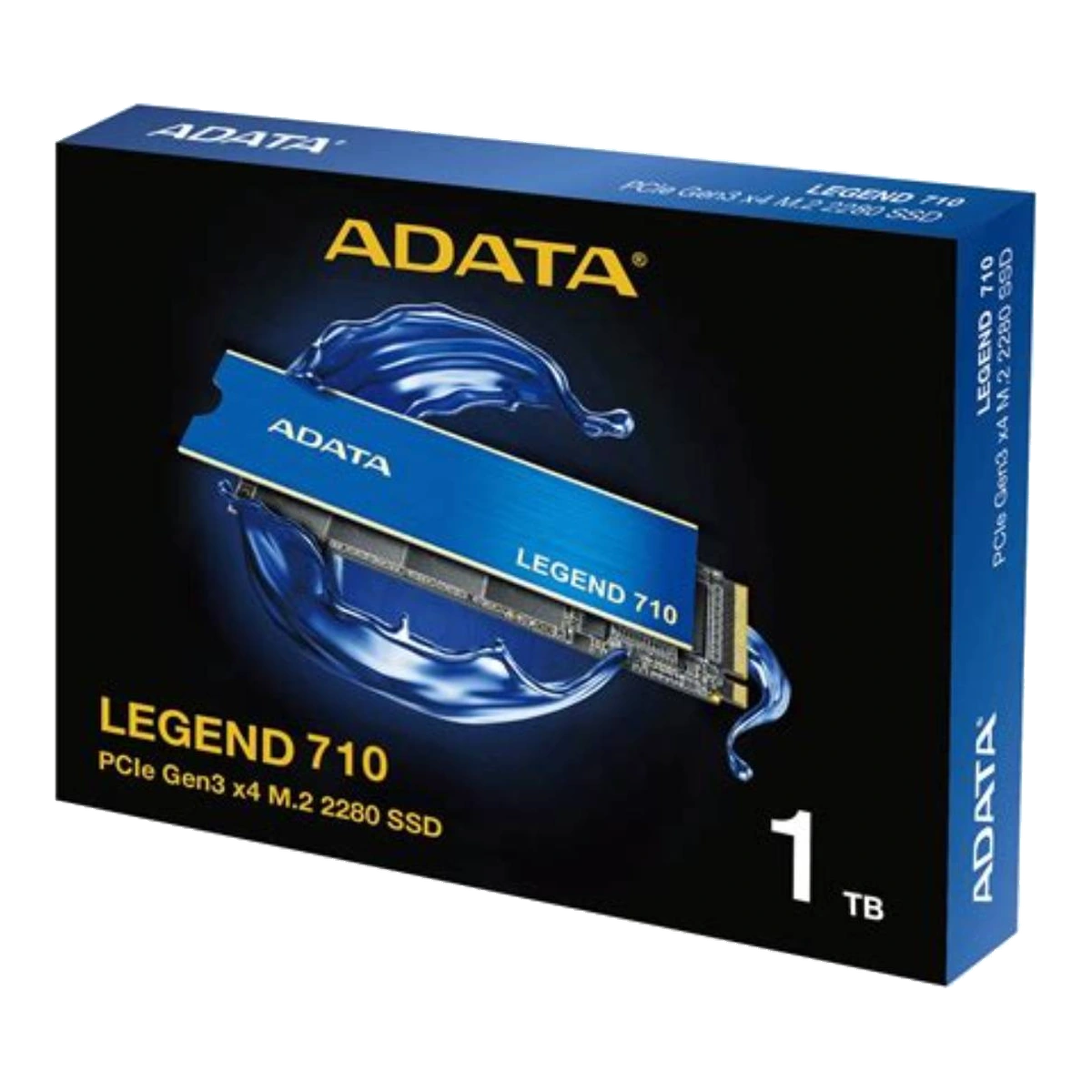
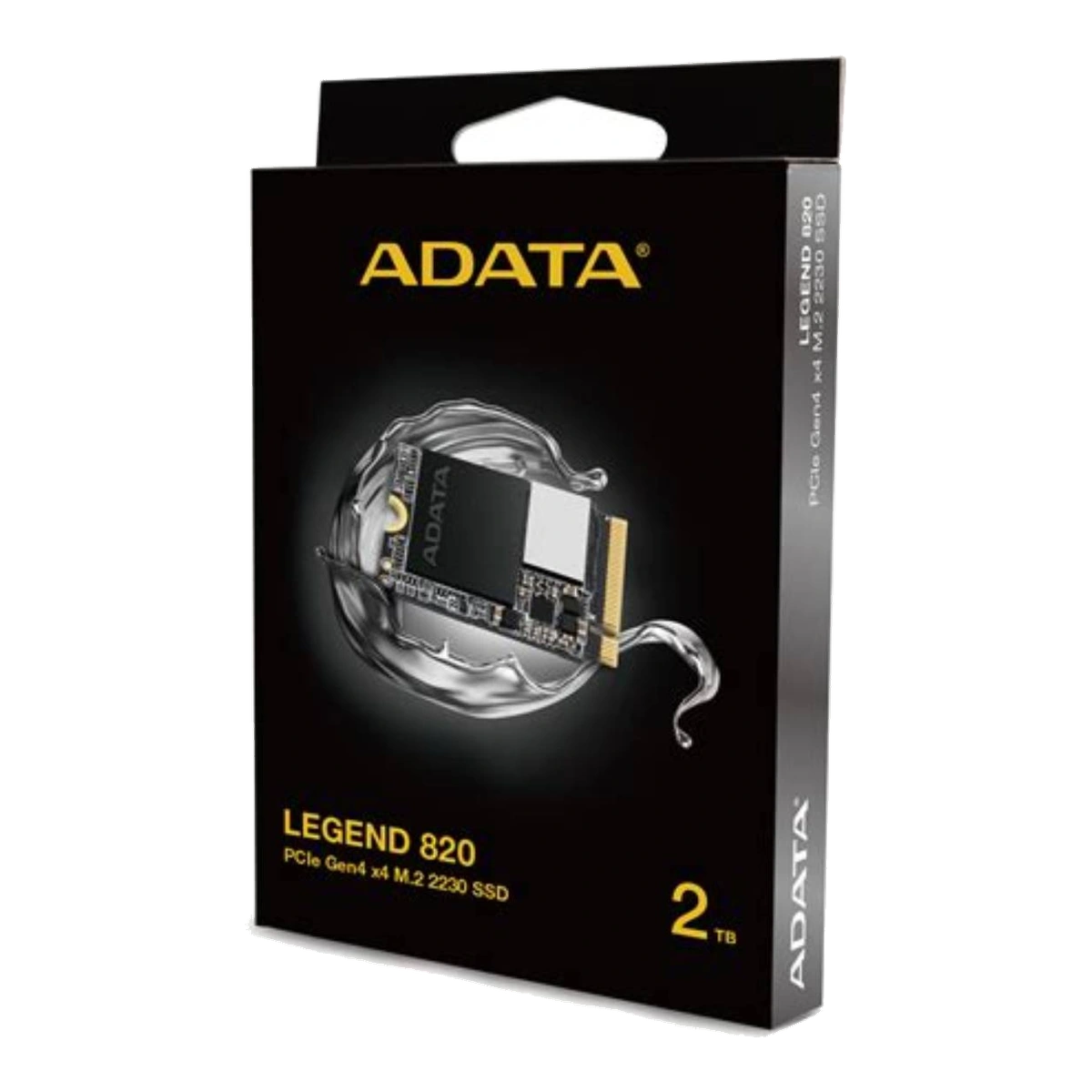
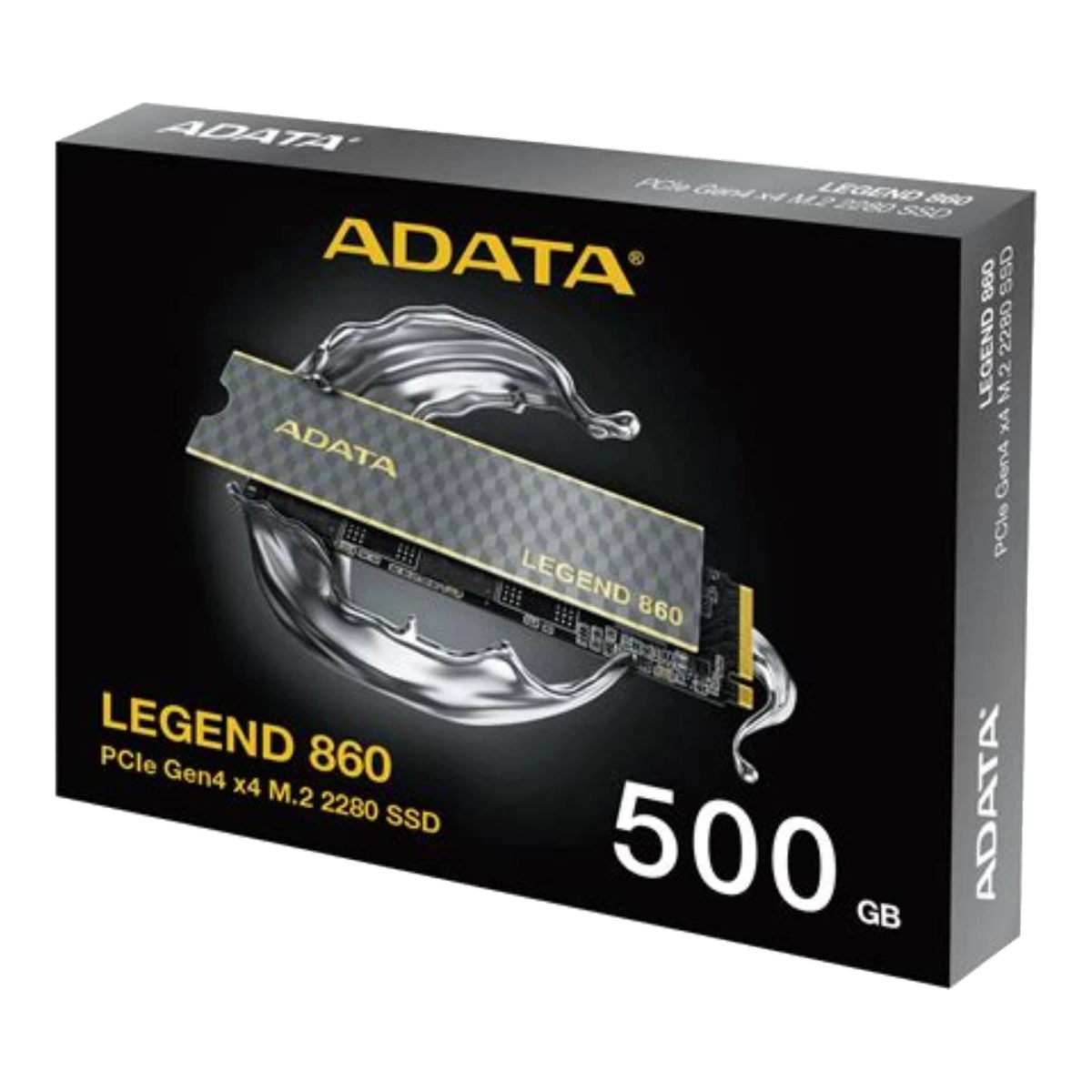
PCIe Gen3, Gen4 and Gen5 describe successive generations of the PCI Express link. They do not describe the SSD’s physical size, NAND type or NVMe protocol revision. An SSD can be M.2 2230 or 2280, use NVMe, and still belong to any supported PCIe generation. Keeping these labels separate prevents one of the most common buying mistakes.[1][2]
The bandwidth difference
PCI-SIG specifies 8 GT/s per lane for PCIe 3.0, 16 GT/s for PCIe 4.0 and 32 GT/s for PCIe 5.0. In other words, each of these generations doubles the preceding generation’s transfer rate.[3] For the x4 links commonly used by the approved client NVMe drives, 128b/130b encoding gives an approximate one-direction link ceiling of:
| Interface | Link rate per lane | Approximate x4 ceiling, one direction* |
|---|---|---|
| PCIe Gen3 x4 | 8 GT/s | 3.94GB/s |
| PCIe Gen4 x4 | 16 GT/s | 7.88GB/s |
| PCIe Gen5 x4 | 32 GT/s | 15.75GB/s |
*Calculated from PCI-SIG’s official rate and encoding figures. These are theoretical link limits, not guaranteed SSD benchmark or file-copy results.[3]
An SSD’s advertised maximum is normally below the raw link ceiling because the link carries protocol overhead and the drive itself has controller, NAND, firmware, cache, temperature and workload limits. Actual results also depend on the host platform and test method. Product datasheets repeatedly state that performance can vary with capacity, hardware, software, operating system and other variables.[8][9][11][13]
Backward compatibility does not preserve the faster speed
PCI-SIG states that PCIe 5.0 is compatible with earlier PCIe generations. A newer device can operate in an older compatible platform, but the link runs at the highest performance supported by that configuration.[4] Therefore, a Gen5 x4 SSD installed in a Gen4 x4 slot is limited by Gen4 link capability. A Gen4 SSD in a Gen3 slot is similarly limited by Gen3. If the slot supplies fewer than four usable lanes, lane width can create another cap.
This is why the motherboard or system manual matters more than the processor’s headline specification. Platforms may route different M.2 slots through different controllers, share resources with other ports, or disable connectors under certain configurations. Even multiple M.2 connectors on the same machine may not all support NVMe.[5]
PCIe Gen3: suitable when the platform is Gen3
Gen3 remains a rational match for systems whose M.2 NVMe slot is limited to PCIe 3.0. The approved LEGEND 710 is a Gen3 x4, M.2 2280 example with official maximum sequential figures of up to 2,400MB/s read and 1,800MB/s write.[11] Those values should be presented as manufacturer maxima, not universal results.
For boot drives, office work, browsing, study and ordinary application storage, the key decision may be compatibility and capacity rather than paying for an interface the host cannot use. A Gen4 or Gen5 drive may still work through backward compatibility, but the older link remains the ceiling. Gen3 is less appropriate when a supported newer platform and sustained large-file workload justify more throughput.
PCIe Gen4: the broad middle and high tier
Gen4 doubles Gen3’s link rate and covers a wide range of approved products. It is not one single performance class. The compact LEGEND 820 uses Gen4 x4 in M.2 2230 format, while LEGEND 860 uses the common M.2 2280 format with capacity-specific maxima reaching 6,000/5,000MB/s on its 2000GB version.[9][10]
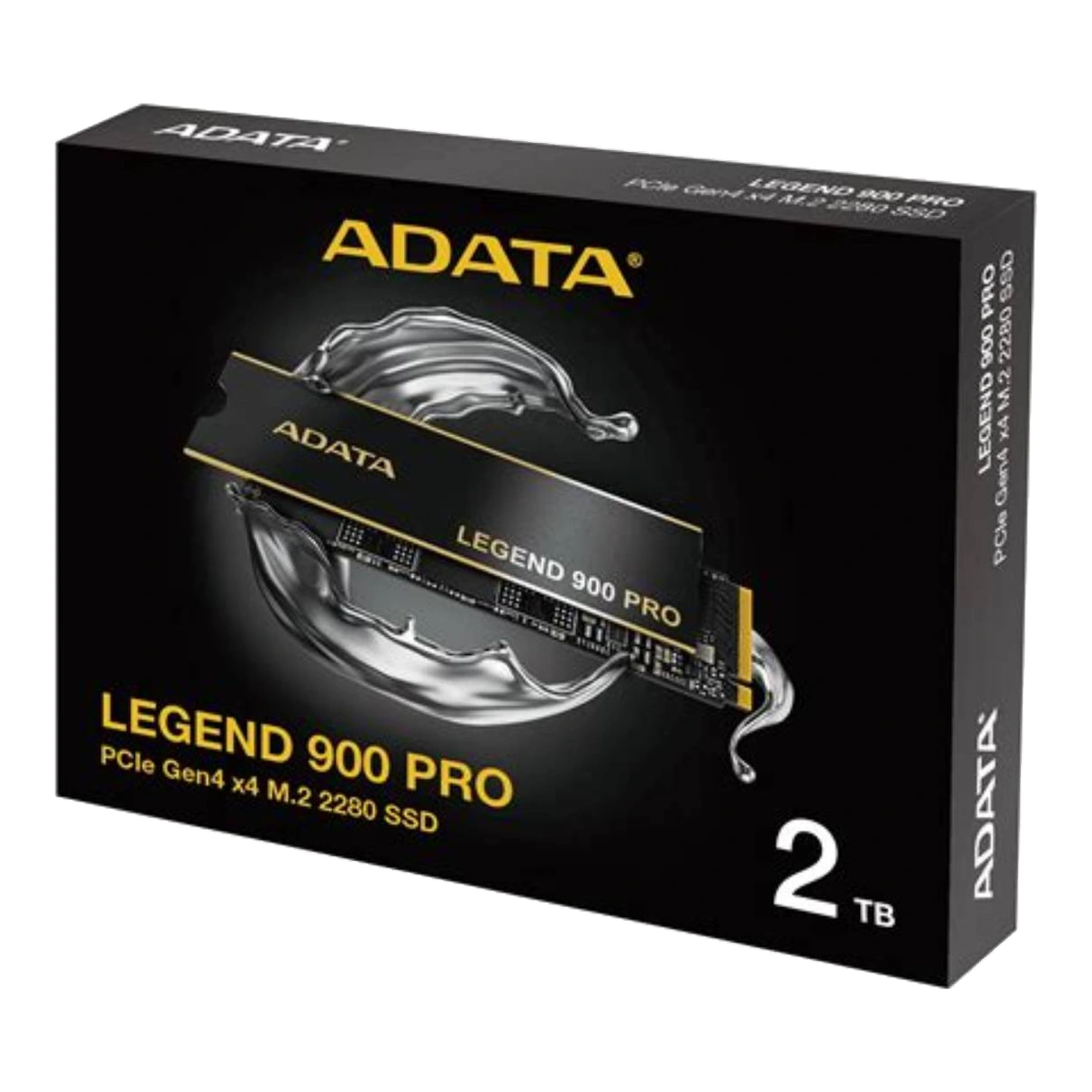
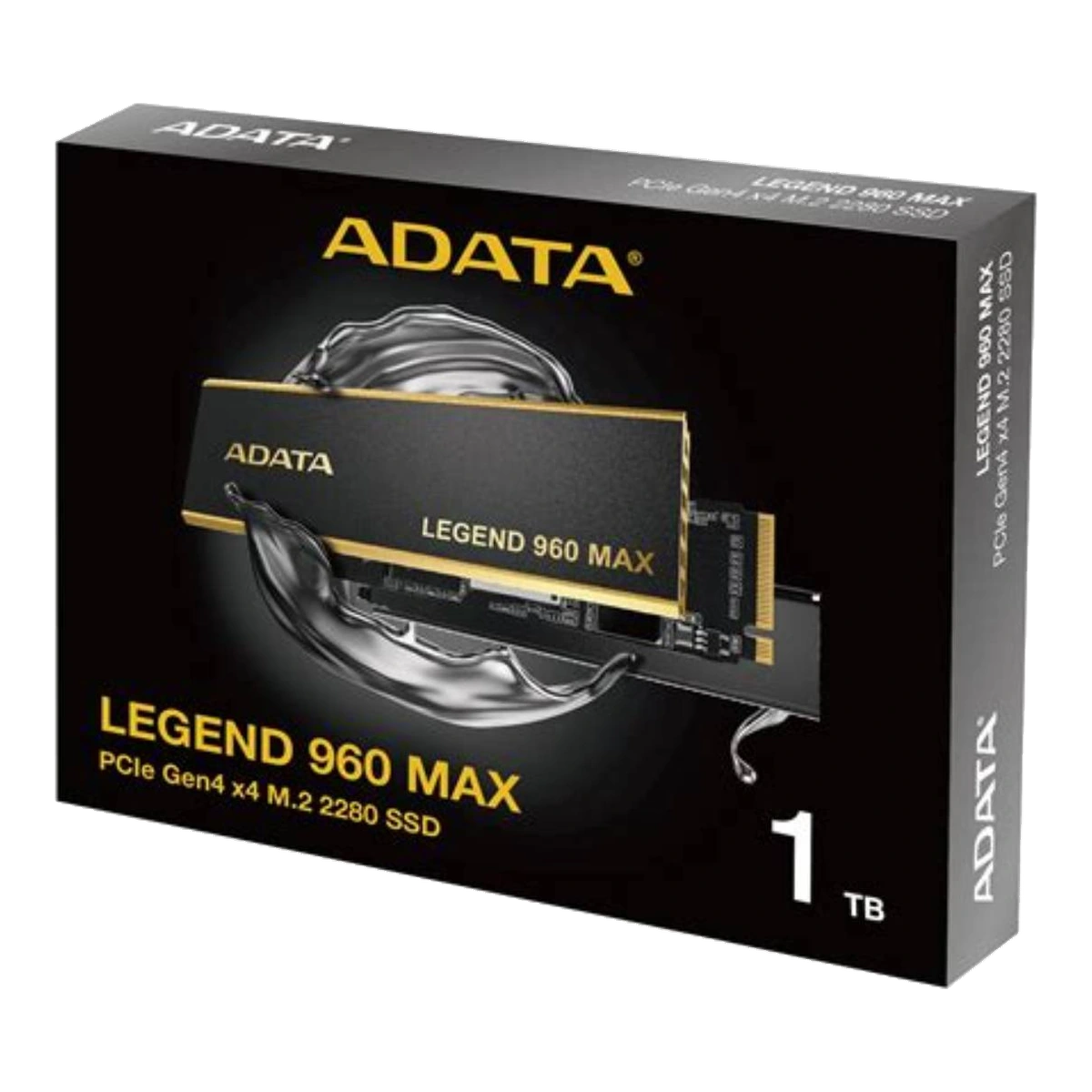
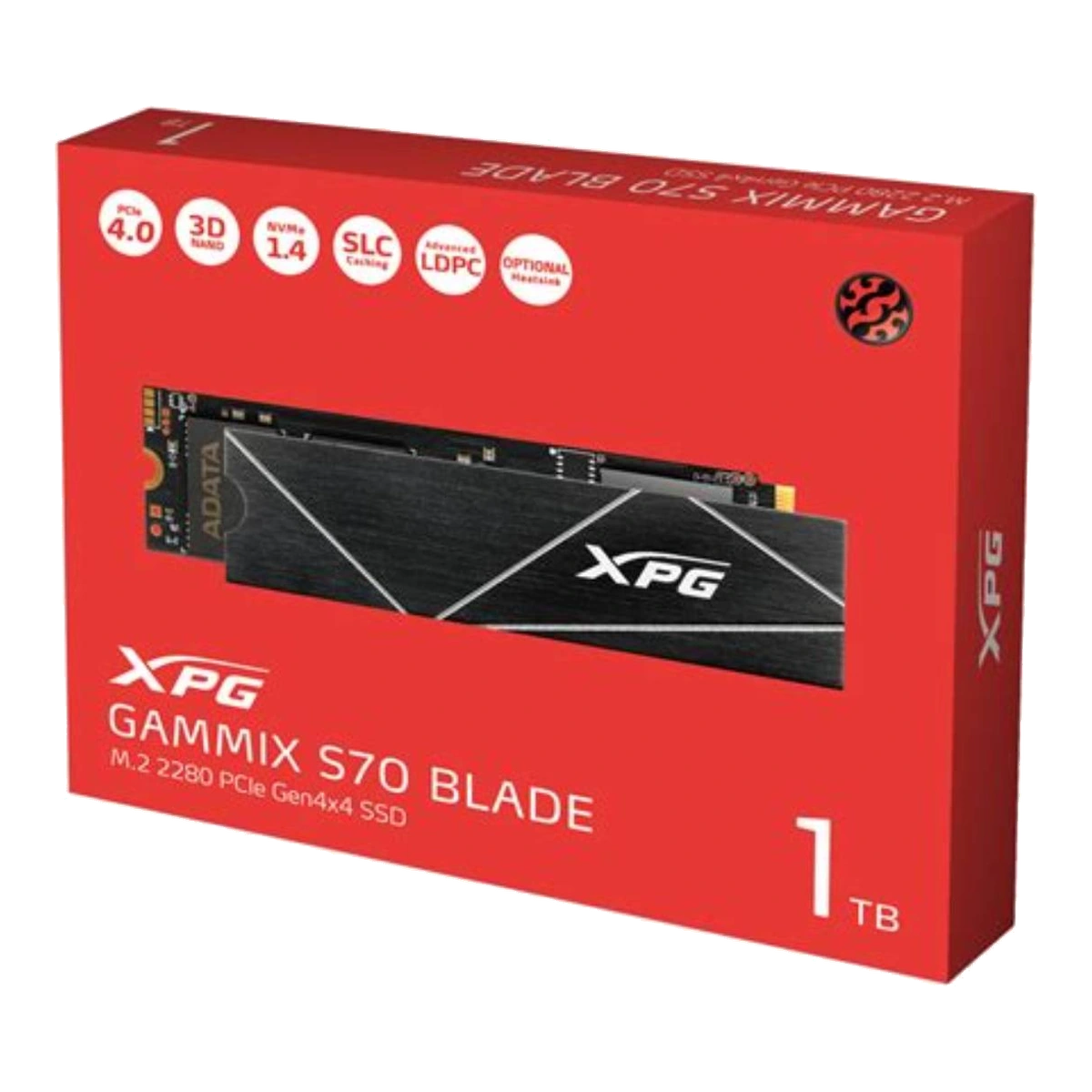
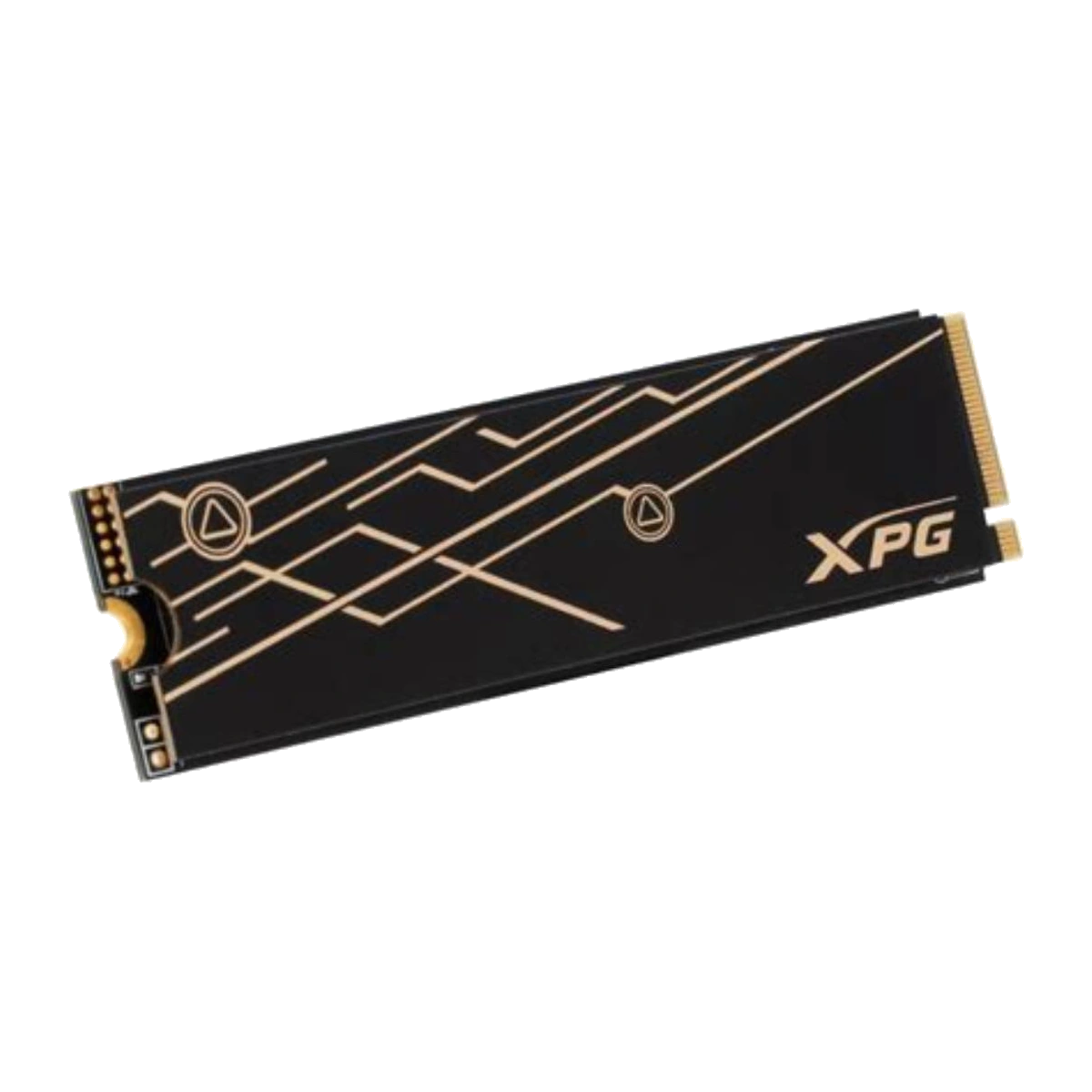
Higher-tier approved Gen4 choices include LEGEND 900 PRO, LEGEND 960 MAX and GAMMIX S70 BLADE. Official specifications for these families reach up to 7,400MB/s sequential read, but write speed, random performance and TBW can differ by capacity.[8][12][13] This tier is better aligned with frequent large transfers, content-production files and other workloads that can sustain higher queue depth or throughput. It should not be claimed that Gen4 automatically doubles application launch speed or gaming frame rate compared with Gen3.
Cooling and fit remain model-specific. A slim spreader may fit under a motherboard cover, while a thicker heatsink may not fit a laptop. The interface generation does not tell you the cooler dimensions.
PCIe Gen5: more headroom, more platform planning
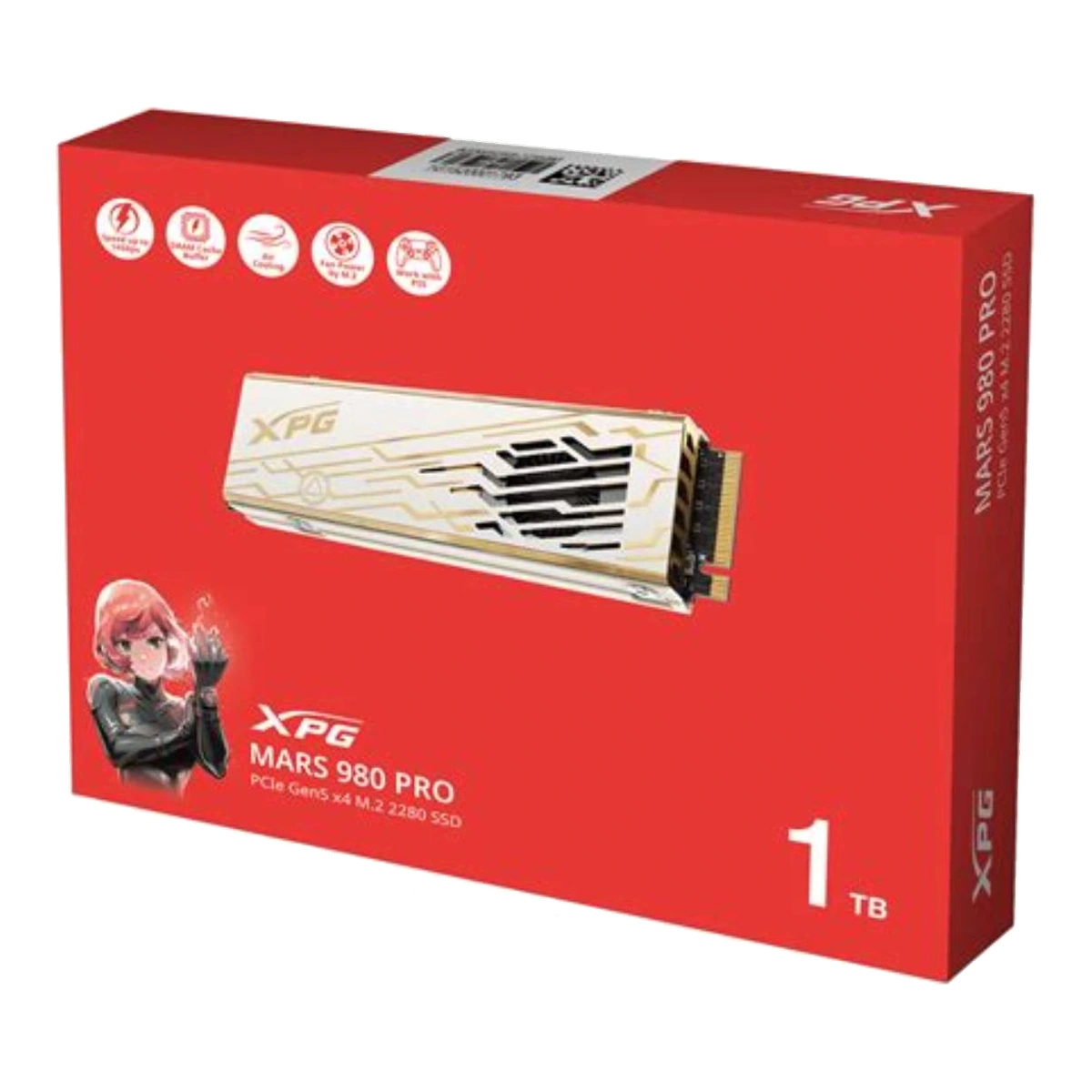
Gen5 doubles Gen4’s link rate, but the SSD, workload and host still determine usable performance. The approved MARS 970 PLUS is a Gen5 x4 M.2 2280 model with official maxima up to 11,000/10,000MB/s and is positioned for performance laptops and mini-PCs.[7] The approved MARS 980 PRO reaches a higher official family maximum and uses an aluminium heatsink plus active fan-assisted cooling.[6]
That contrast shows why “Gen5” is not a complete recommendation. A slim system may value module layout and thermal compatibility more than the highest sequential number. A desktop moving very large assets may have room and workload for a more substantial cooler. Before buying, verify Gen5 support on the exact M.2 slot, x4 lane availability, physical clearance and whether the system’s own heatsink should be used.
Which generation should you choose?
Choose Gen3 for a Gen3-limited system or a value-focused compatible upgrade. Choose Gen4 for a supported current platform when you want a wider range of form factors and performance levels. Choose Gen5 only when the exact slot supports it, the workload can benefit and cooling/clearance are solved.
Finally, compare the precise capacity rather than the family banner. LEGEND 860, LEGEND 900 PRO, LEGEND 960 MAX and GAMMIX S70 BLADE all demonstrate capacity-dependent figures in official specifications.[8][9][12][13] The best SSD is therefore not automatically the newest generation; it is the approved model whose protocol, size, lanes, thermal design, capacity and workload fit the system together.
Related catalogue products
Sources
- NVM Express® Base SpecificationAccessed: 2026-10-23
Supported claim: NVMe defines how host software communicates with non-volatile memory; NVMe over PCIe is distinct from the physical form factor; NVMe supports several form factors.
- What is M.2 NVMe technology? What form factors does NVMe architecture support?Accessed: 2026-10-23
Supported claim: M.2 is a PCI-SIG-defined form factor; M.2 can carry SATA or PCIe; “M.2” alone does not prove NVMe compatibility.
- PCI-SIG 2020 UpdateAccessed: 2026-10-23
Supported claim: PCIe 3.0, 4.0 and 5.0 signal at 8, 16 and 32 GT/s respectively; each generation doubles the prior generation’s link rate; 128b/130b encoding applies to Gen3–Gen5.
- PCI Express Frequently Asked Questions — PCI Express 5.0Accessed: 2026-10-23
Supported claim: PCIe 5.0 is backward compatible with prior generations; a mixed-generation link operates at the highest level supported by the configuration rather than automatically at the SSD’s label speed.
- Frequently Asked Questions for Intel® Optane™ SSD 800P SeriesAccessed: 2026-10-23
Supported claim: Multiple M.2 connectors do not necessarily all support NVMe; buyers should confirm motherboard/system documentation, BIOS support and the correct connector.
- XPG MARS 980 PRO PCIe Gen5 x4 M.2 2280 SSDAccessed: 2026-10-23
Supported claim: Approved Gen5 desktop-oriented example; M.2 2280, PCIe Gen5 x4, active fan-assisted cooling, maximum sequential figures, backward compatibility, and capacity-dependent specifications.
- Datasheet_XPG MARS 970 PLUS PCIe Gen5 x4 M.2 SSDAccessed: 2026-10-23
Supported claim: Approved Gen5 laptop/mini-PC example; M.2 2280, PCIe Gen5 x4, up to 11,000/10,000MB/s, 1TB/2TB, and stated endurance/specifications.
- Datasheet_LEGEND 900 PRO PCIe Gen4 x4 M.2 2280 SSDAccessed: 2026-10-23
Supported claim: Approved high-end Gen4 example; 1TB/2TB/4TB, M.2 2280, up to 7,400MB/s read; write and TBW vary by capacity.
- Datasheet_LEGEND 860 PCIe Gen4 x4 M.2 2280 SSDAccessed: 2026-10-23
Supported claim: Approved mainstream Gen4 example; 500GB/1000GB/2000GB; capacity-specific read, write and TBW values; dimensions with/without heatsink.
- ADATA LEGEND 820 PCIe Gen4 x4 M.2 2230 Solid State DriveAccessed: 2026-10-23
Supported claim: Approved compact example; M.2 2230 is physically different from 2280; buyers must confirm 2230 support; maximum speed and capacity range.
- LEGEND 710 PCIe Gen3 x4 M.2 2280 Solid State DriveAccessed: 2026-10-23
Supported claim: Approved Gen3 example; PCIe Gen3 x4, NVMe, M.2 2280, capacity range, maximum speeds, and vendor warning that performance varies by capacity and host variables.
- Datasheet_LEGEND 960 PCIe Gen4 x4 M.2 2280 SSDAccessed: 2026-10-23
Supported claim: Official specifications corresponding to the approved LEGEND 960 MAX family: M.2 2280, Gen4 x4, heatsink dimensions, DRAM cache, and capacity-specific write, random and TBW figures.
- Datasheet_XPG GAMMIX S70 BLADE PCIe Gen4 x4 M.2 SSDAccessed: 2026-10-23
Supported claim: Approved Gen4 gaming/high-end example; M.2 2280, aluminium heatsink, maximum performance, capacity-specific performance, and physical dimensions. Only launch-approved capacities should be surfaced on ADATA.my.