Internal SSD
How to choose an NVMe SSD
Check protocol, M.2 size, PCIe lanes, capacity-specific specifications and cooling before choosing an SSD.- Published
- Updated
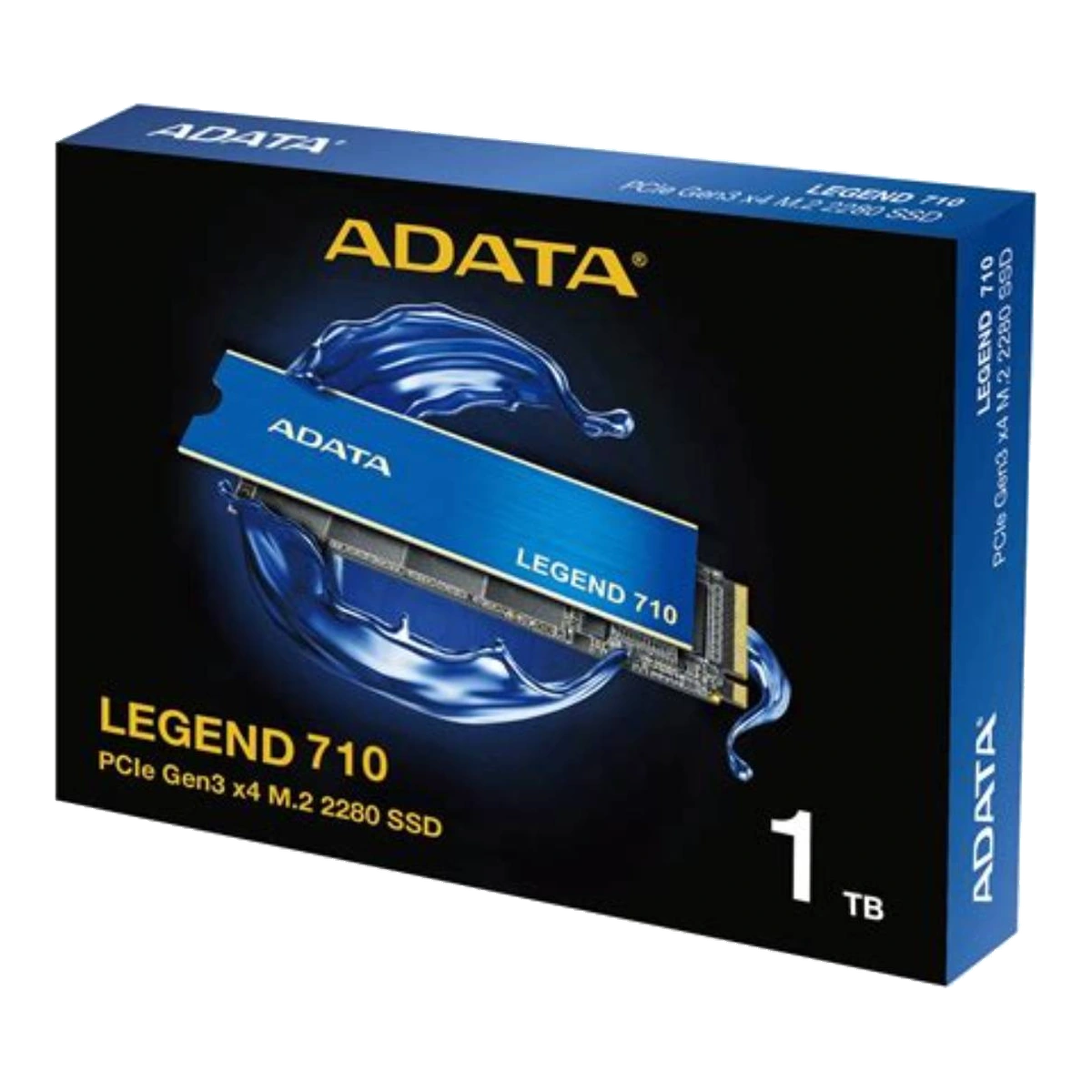
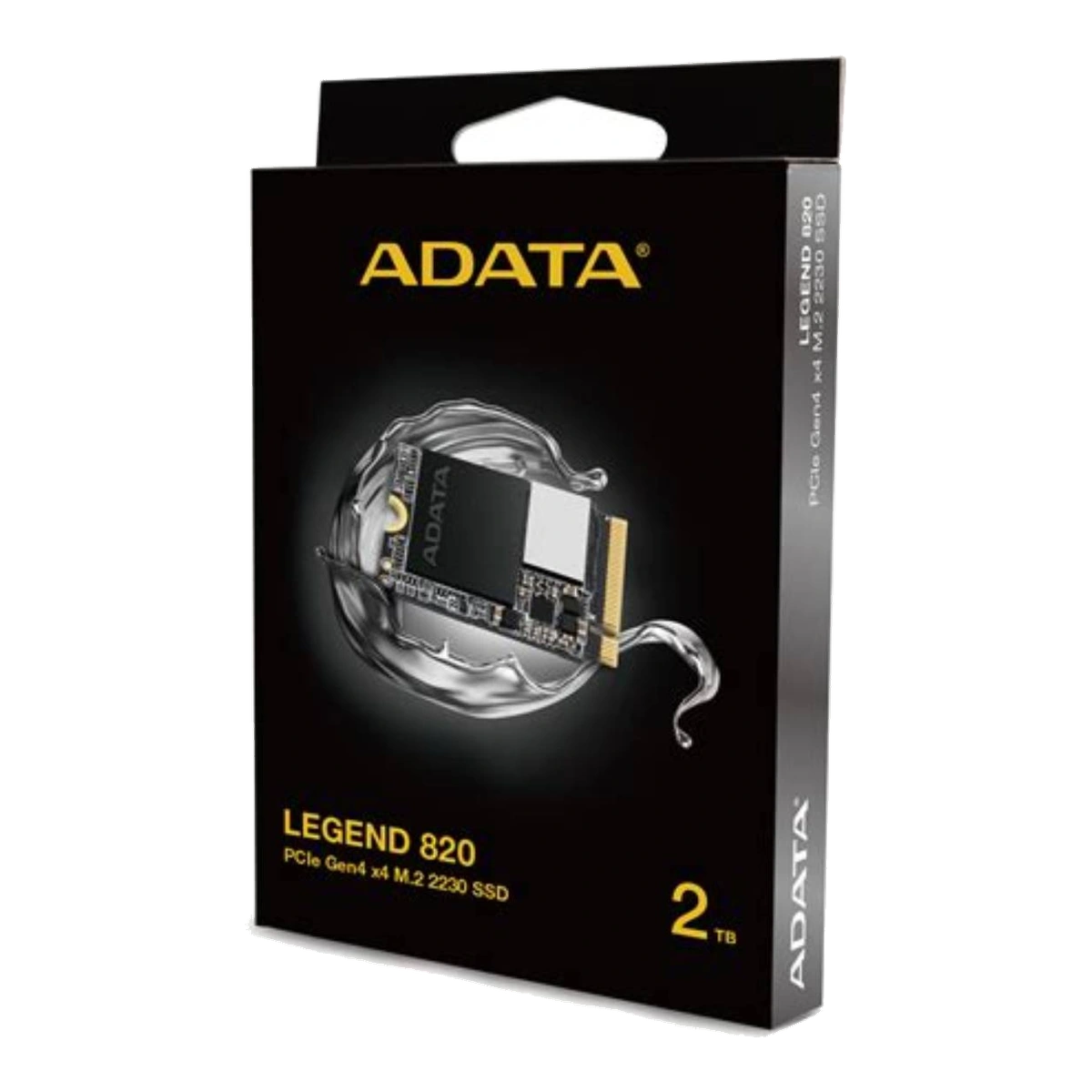
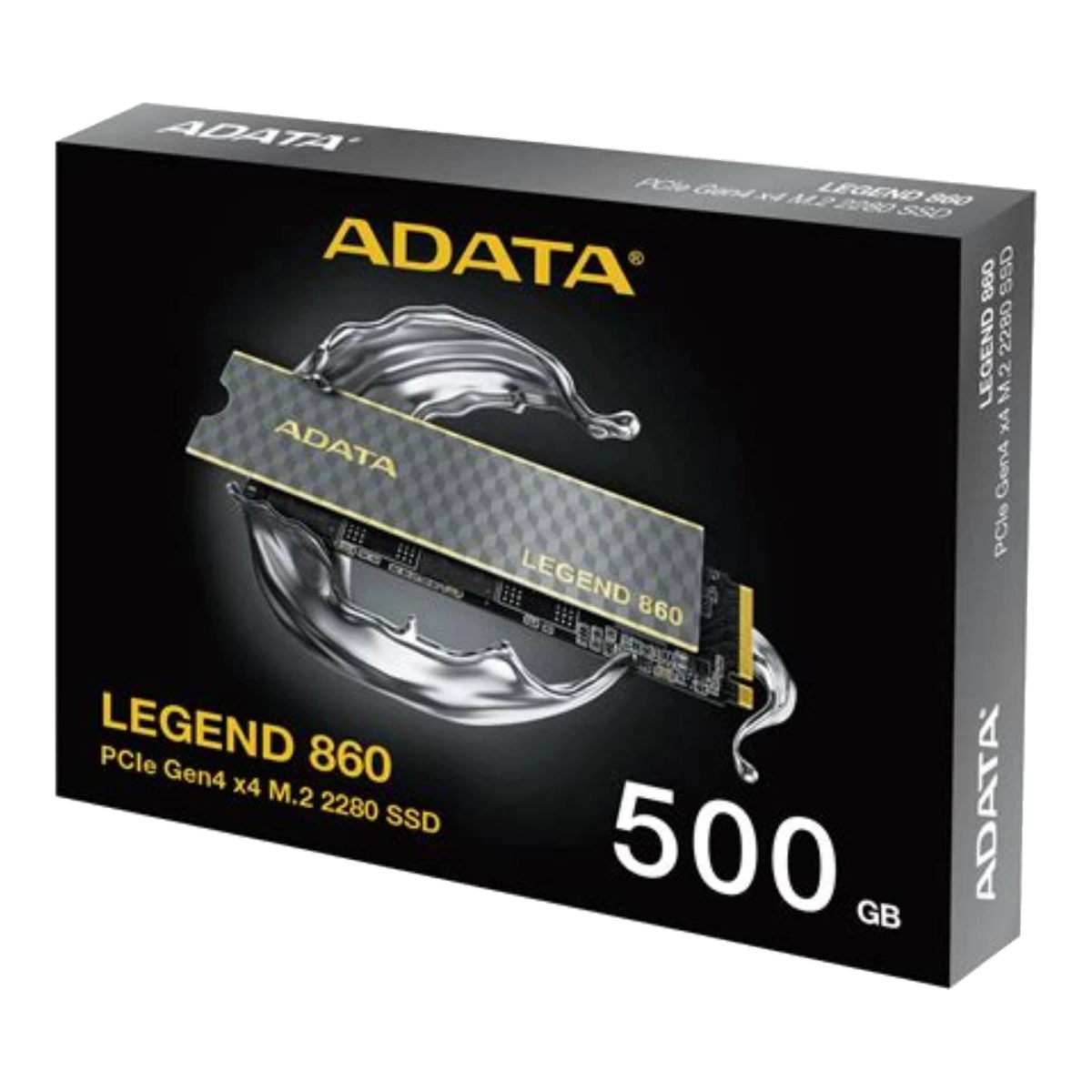
Choosing an NVMe SSD starts with compatibility, not a speed ranking. NVMe is the protocol used by the operating system and storage device, PCIe is the link that carries the data, and M.2 describes a physical module format. They are related, but they are not interchangeable terms. NVM Express notes that M.2 can support either SATA or PCIe, so an “M.2 slot” is not automatically an NVMe slot.[1][2]
1. Check the system manual first
Find the storage section of your motherboard, laptop, mini-PC or handheld manual. Confirm that the slot supports a PCIe NVMe SSD, not only an M.2 SATA drive. Also check the supported module length, PCIe generation, lane width and any BIOS or boot restrictions. Intel’s official guidance warns that a system may have several M.2 connectors without every connector supporting NVMe.[5]
Keying is another check, not a substitute for the manual. A keyed edge connector helps prevent some incompatible modules from being inserted, but physical insertion alone does not confirm that the slot carries the correct PCIe signals or supports NVMe. For example, XPG’s official console compatibility sheet identifies a PCIe x4, M-key socket separately from the permitted module dimensions and cooling space.[14]
2. Match the physical size
The four digits in names such as 2230 and 2280 describe module width and length. The approved LEGEND 820 is M.2 2230 and measures about 22 × 30mm, while the approved LEGEND 710 is M.2 2280 and uses the much more common 22 × 80mm format.[10][11] A handheld designed for 2230 may not have the mounting point or clearance for 2280. Conversely, do not choose a 2230 drive for a 2280-only system unless the manufacturer explicitly supports it.
Thickness and component placement matter too. Some systems accept only a single-sided module, while others have room for components on both sides. A heatsink can also change the installed height. Check the system’s mechanical drawing or service manual rather than relying on the connector alone.
3. Understand generation and lane limits
A label such as PCIe Gen4 x4 contains two separate facts: the PCIe generation and a four-lane link. PCI-SIG lists 8, 16 and 32 GT/s per lane for PCIe 3.0, 4.0 and 5.0. After the common 128b/130b encoding overhead, an x4 link has a theoretical one-direction ceiling of roughly 3.94GB/s, 7.88GB/s and 15.75GB/s respectively.[3] These are link limits, not promised SSD file-transfer results.
PCIe is backward compatible, so a newer SSD can normally operate in an older compatible link, but it runs at the highest level supported by the complete configuration.[4] A Gen4 drive in a Gen3-only slot does not become a Gen4 system. The same principle applies if a slot provides fewer lanes, shares resources with another connector, or is routed differently by the platform. Confirm the motherboard or device lane map.
4. Buy for the workload
For an everyday PC whose platform is limited to Gen3, the approved LEGEND 710 is a straightforward M.2 2280 Gen3 x4 option. Buying a much faster interface may offer little benefit if the host cannot use it.[11]
For a compatible handheld or compact system that specifically requires 2230, the approved LEGEND 820 addresses the physical requirement while using a Gen4 x4 interface. Its product page explicitly tells buyers to confirm M.2 2230 support before purchase.[10]
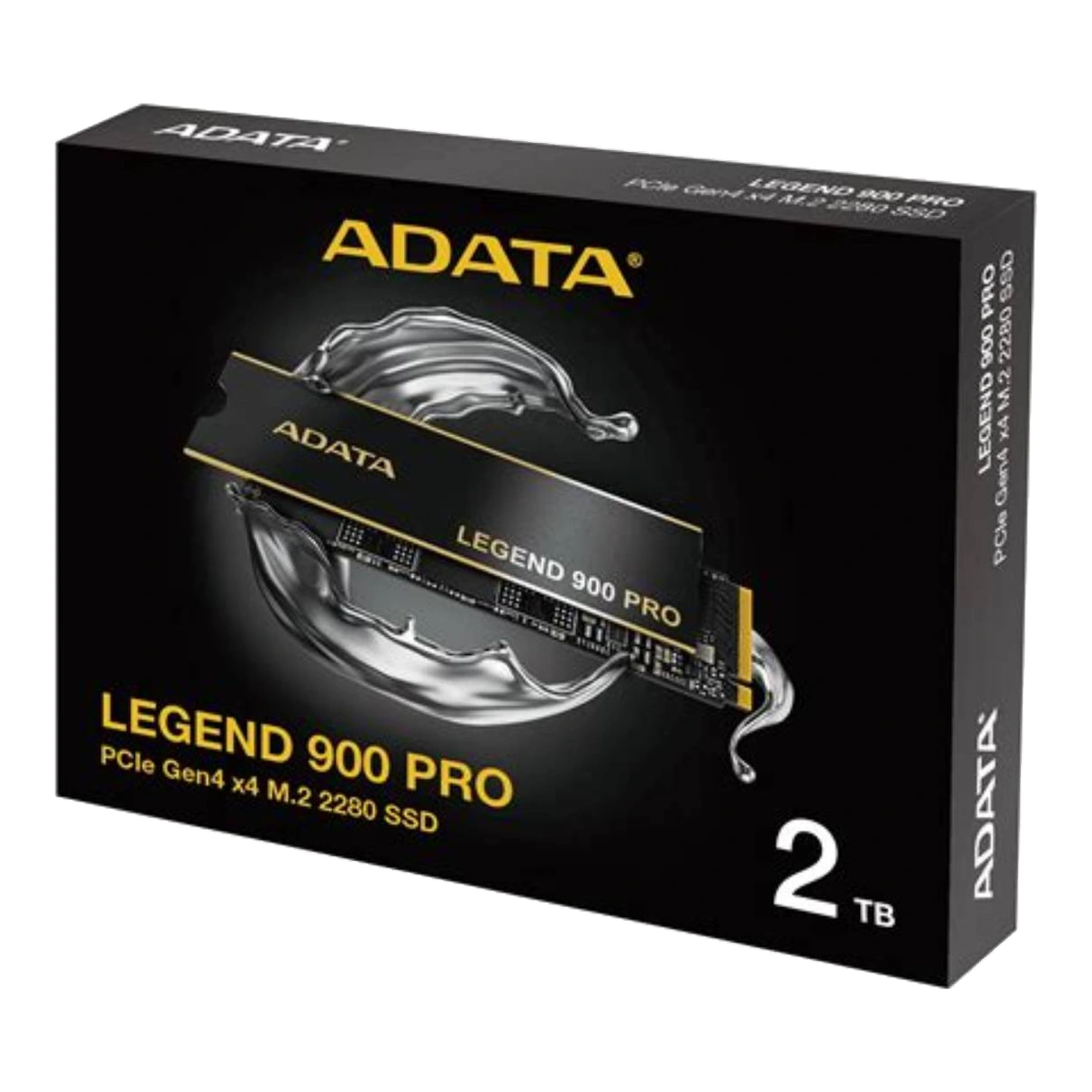
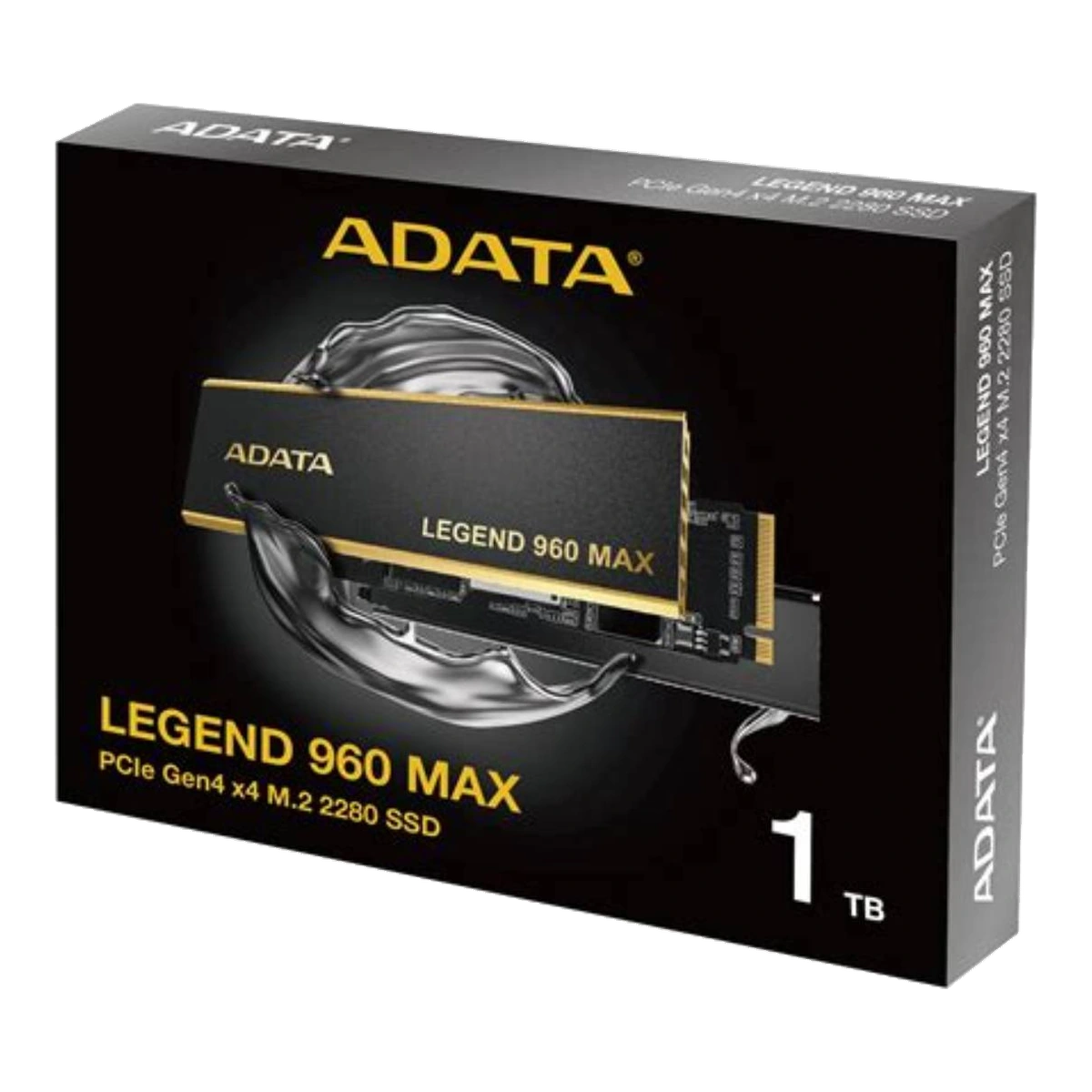
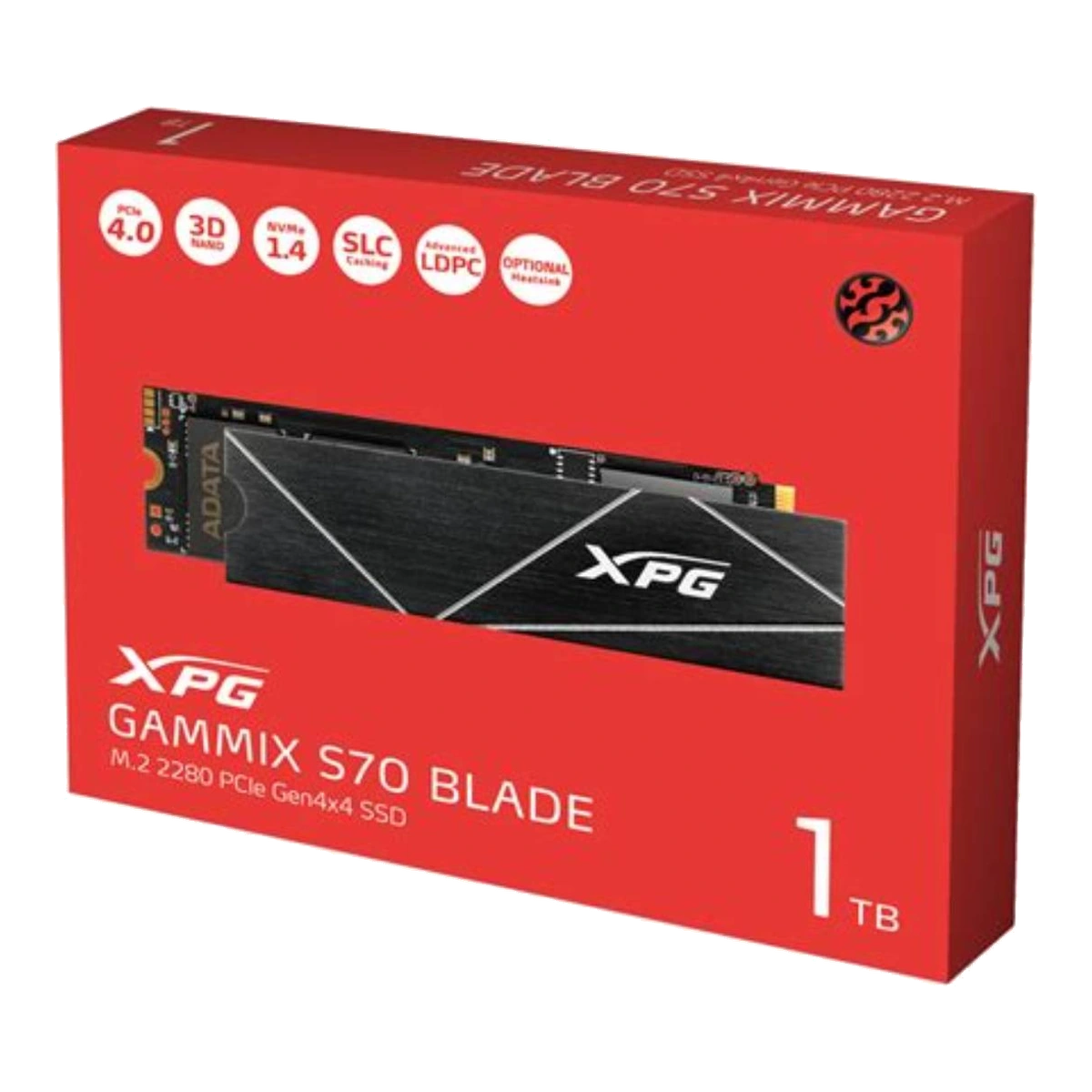
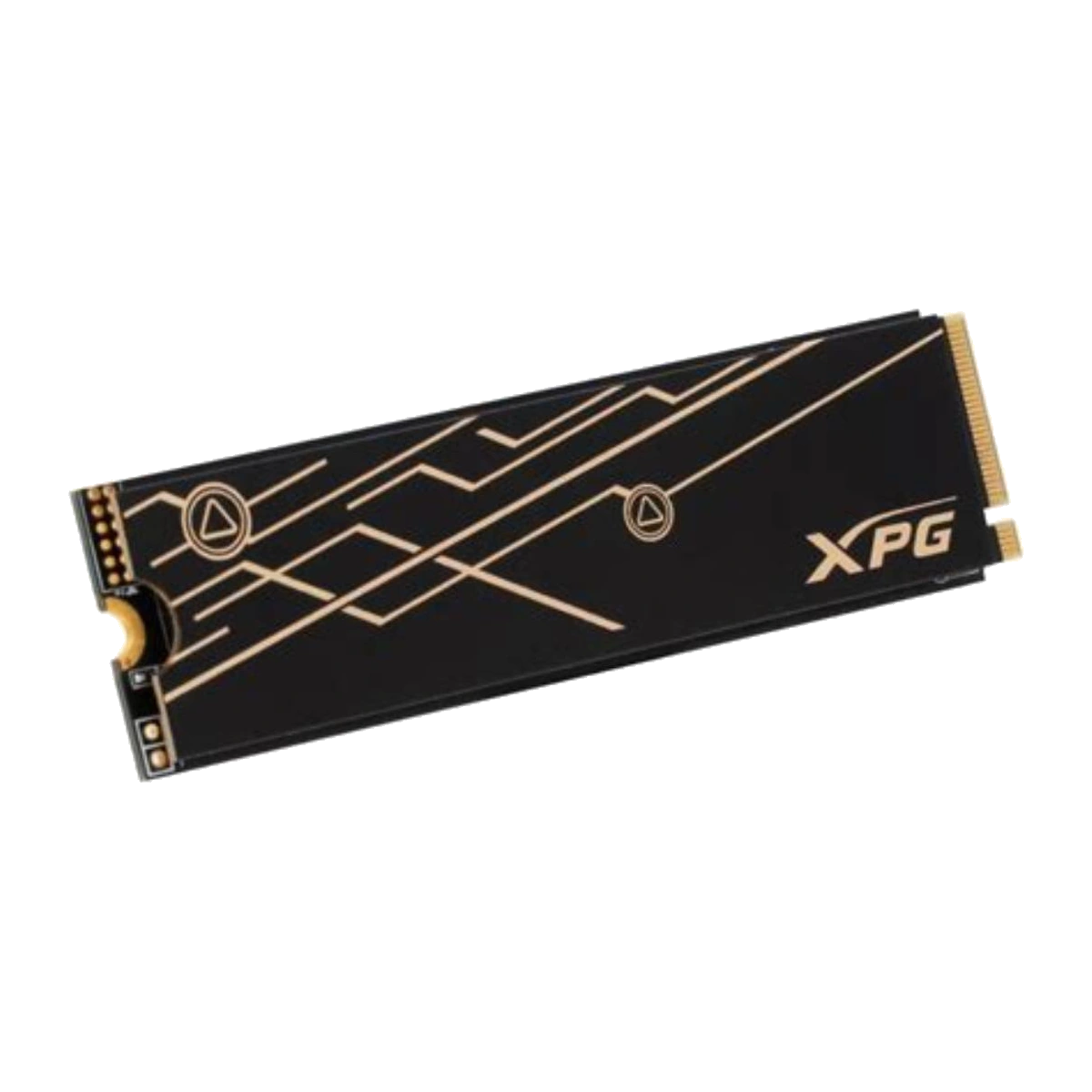
For a current desktop or laptop with a Gen4 x4 slot, the approved LEGEND 860 offers a mainstream Gen4 tier, while LEGEND 900 PRO, LEGEND 960 MAX and GAMMIX S70 BLADE occupy higher-performance Gen4 positions. The higher headline figure is most relevant when the work actually moves large sequential files, such as high-resolution media, project archives or other sustained transfers. It should not be presented as a guarantee that every application will feel proportionally faster.
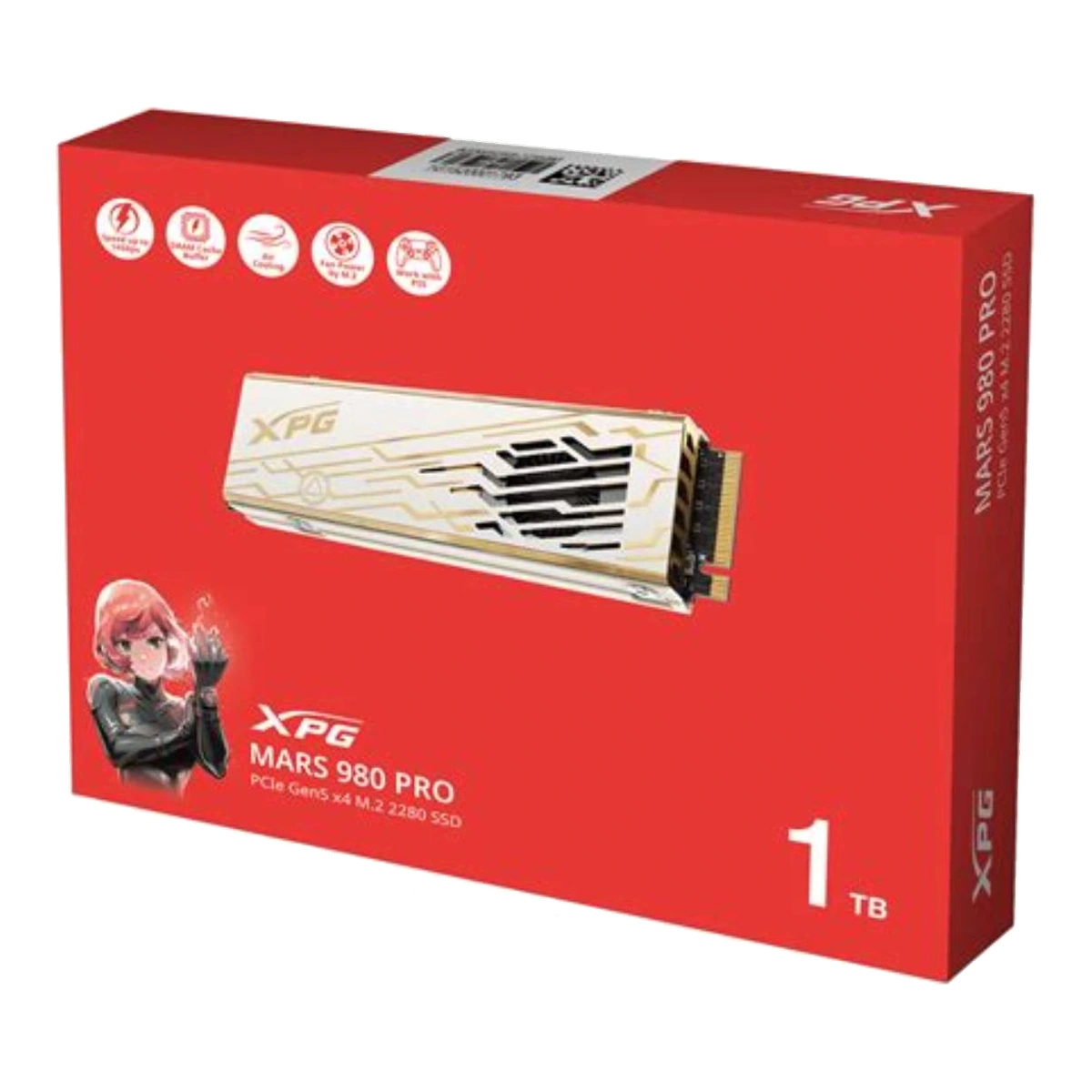
Gen5 should be chosen when the platform supports it, the workload can use the added throughput, and the thermal design is suitable. Within the approved catalogue, MARS 970 PLUS is positioned for performance laptops and mini-PCs, while MARS 980 PRO uses a larger active fan-assisted cooler suited to installations with sufficient clearance.[6][7]
5. Read specifications for the exact capacity
Do not copy the family maximum onto every capacity. The approved LEGEND 860 illustrates why: its official table gives the 500GB model lower maximum sequential read/write and TBW figures than the 1000GB and 2000GB models.[9] LEGEND 900 PRO also lists a lower maximum write figure for 1TB than for 2TB and 4TB.[8] Capacity can affect parallelism, caching behaviour and endurance ratings, so compare the exact SKU row you intend to buy.
Look beyond sequential read speed. Check sequential write, random read/write where supplied, TBW, warranty terms, cache design, supported management software and whether the published figure is for PC/laptop or another platform. Manufacturer maxima are measured under stated test conditions; actual performance depends on capacity, host hardware, software, operating system, temperature and available free space.[8][9][11][13]
6. Plan cooling before installation
Faster SSDs can require more deliberate heat management. Some approved models include a slim heat spreader or heatsink; MARS 980 PRO uses active cooling.[6][8][9][12][13] Check whether the system already has an M.2 heatsink and follow the system and SSD instructions. Do not assume that stacking two cooling solutions is supported. In a thin laptop or handheld, cooler height may be as important as interface speed.
Final checklist: confirm PCIe NVMe support, M.2 length, key/socket type, generation, lane width, module sidedness, cooler clearance, exact-capacity performance, TBW/warranty and firmware tools. Once every item matches, choose the least expensive approved model that meets the workload rather than paying only for the largest advertised number.
Related catalogue products
Sources
- NVM Express® Base SpecificationAccessed: 2026-10-23
Supported claim: NVMe defines how host software communicates with non-volatile memory; NVMe over PCIe is distinct from the physical form factor; NVMe supports several form factors.
- What is M.2 NVMe technology? What form factors does NVMe architecture support?Accessed: 2026-10-23
Supported claim: M.2 is a PCI-SIG-defined form factor; M.2 can carry SATA or PCIe; “M.2” alone does not prove NVMe compatibility.
- PCI-SIG 2020 UpdateAccessed: 2026-10-23
Supported claim: PCIe 3.0, 4.0 and 5.0 signal at 8, 16 and 32 GT/s respectively; each generation doubles the prior generation’s link rate; 128b/130b encoding applies to Gen3–Gen5.
- PCI Express Frequently Asked Questions — PCI Express 5.0Accessed: 2026-10-23
Supported claim: PCIe 5.0 is backward compatible with prior generations; a mixed-generation link operates at the highest level supported by the configuration rather than automatically at the SSD’s label speed.
- Frequently Asked Questions for Intel® Optane™ SSD 800P SeriesAccessed: 2026-10-23
Supported claim: Multiple M.2 connectors do not necessarily all support NVMe; buyers should confirm motherboard/system documentation, BIOS support and the correct connector.
- XPG MARS 980 PRO PCIe Gen5 x4 M.2 2280 SSDAccessed: 2026-10-23
Supported claim: Approved Gen5 desktop-oriented example; M.2 2280, PCIe Gen5 x4, active fan-assisted cooling, maximum sequential figures, backward compatibility, and capacity-dependent specifications.
- Datasheet_XPG MARS 970 PLUS PCIe Gen5 x4 M.2 SSDAccessed: 2026-10-23
Supported claim: Approved Gen5 laptop/mini-PC example; M.2 2280, PCIe Gen5 x4, up to 11,000/10,000MB/s, 1TB/2TB, and stated endurance/specifications.
- Datasheet_LEGEND 900 PRO PCIe Gen4 x4 M.2 2280 SSDAccessed: 2026-10-23
Supported claim: Approved high-end Gen4 example; 1TB/2TB/4TB, M.2 2280, up to 7,400MB/s read; write and TBW vary by capacity.
- Datasheet_LEGEND 860 PCIe Gen4 x4 M.2 2280 SSDAccessed: 2026-10-23
Supported claim: Approved mainstream Gen4 example; 500GB/1000GB/2000GB; capacity-specific read, write and TBW values; dimensions with/without heatsink.
- ADATA LEGEND 820 PCIe Gen4 x4 M.2 2230 Solid State DriveAccessed: 2026-10-23
Supported claim: Approved compact example; M.2 2230 is physically different from 2280; buyers must confirm 2230 support; maximum speed and capacity range.
- LEGEND 710 PCIe Gen3 x4 M.2 2280 Solid State DriveAccessed: 2026-10-23
Supported claim: Approved Gen3 example; PCIe Gen3 x4, NVMe, M.2 2280, capacity range, maximum speeds, and vendor warning that performance varies by capacity and host variables.
- Datasheet_LEGEND 960 PCIe Gen4 x4 M.2 2280 SSDAccessed: 2026-10-23
Supported claim: Official specifications corresponding to the approved LEGEND 960 MAX family: M.2 2280, Gen4 x4, heatsink dimensions, DRAM cache, and capacity-specific write, random and TBW figures.
- Datasheet_XPG GAMMIX S70 BLADE PCIe Gen4 x4 M.2 SSDAccessed: 2026-10-23
Supported claim: Approved Gen4 gaming/high-end example; M.2 2280, aluminium heatsink, maximum performance, capacity-specific performance, and physical dimensions. Only launch-approved capacities should be surfaced on ADATA.my.
- M.2 SSD Requirement for PS5 — GAMMIX S70 BLADEAccessed: 2026-10-23
Supported claim: Official concrete example of an M-key PCIe x4 socket requirement plus length, width, height and cooling-clearance checks; useful for explaining that keying and fit are separate compatibility checks.