RAM
DDR4 vs DDR5 compatibility
Match the exact motherboard, processor and module format; DDR5 is not a drop-in replacement for DDR4.- Published
- Updated
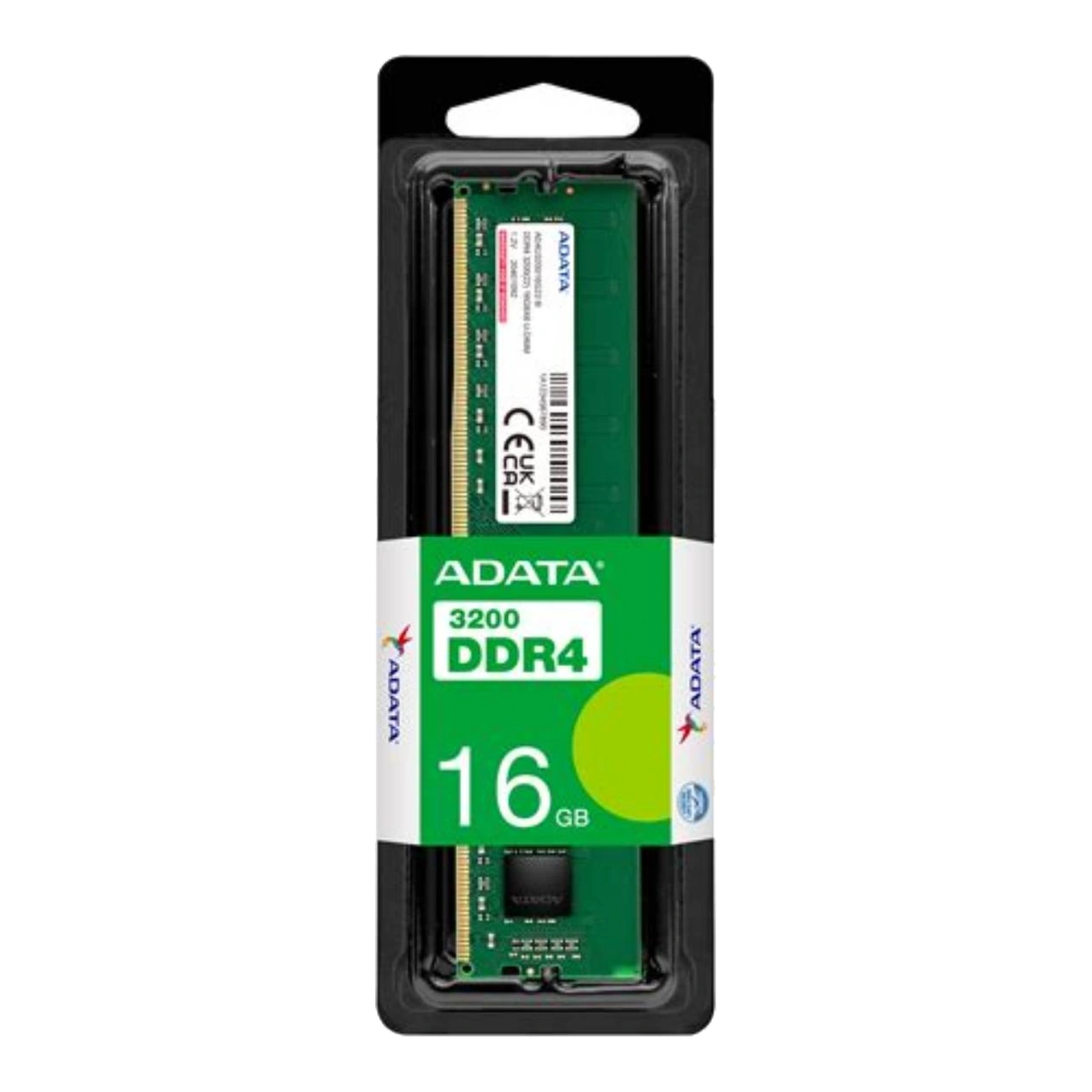
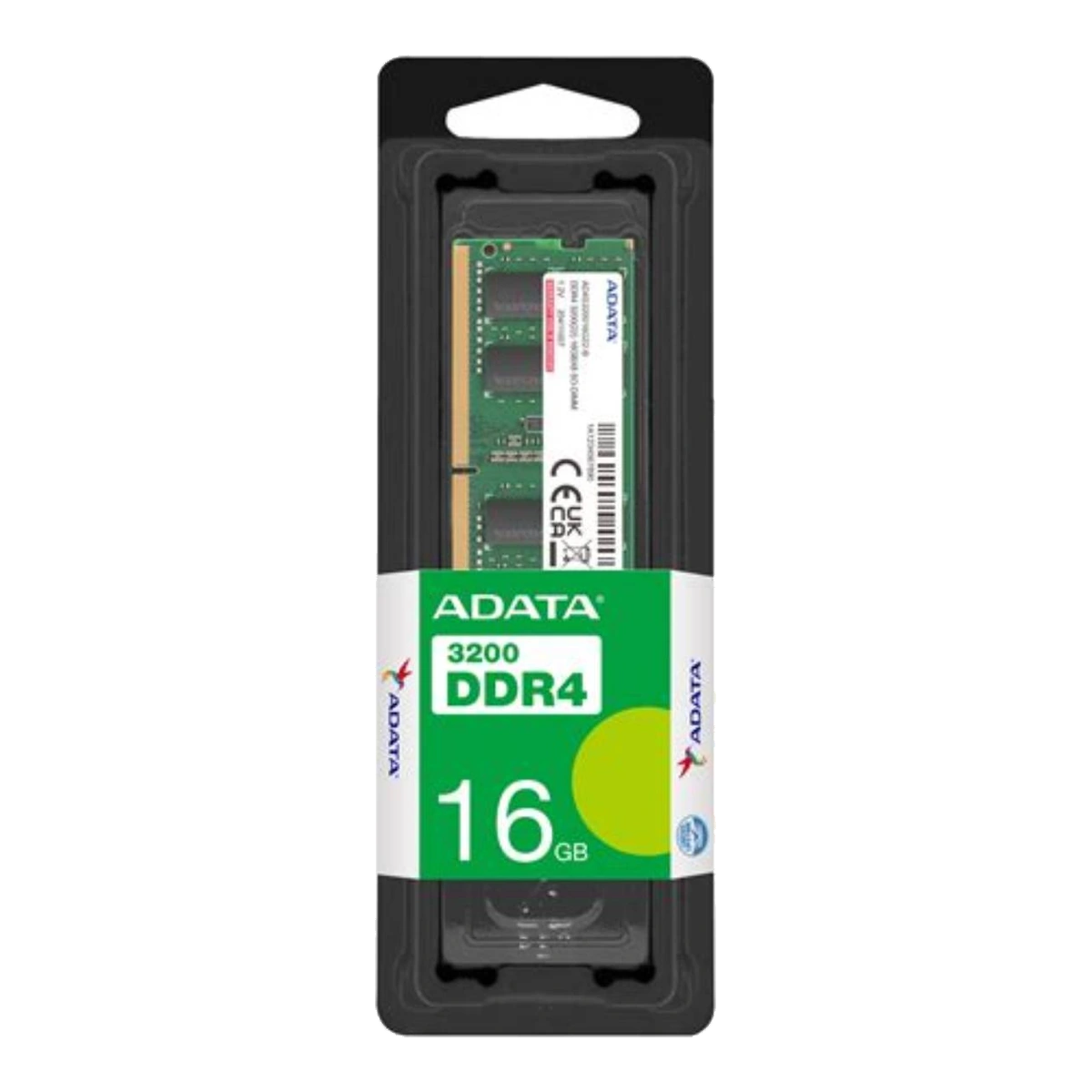
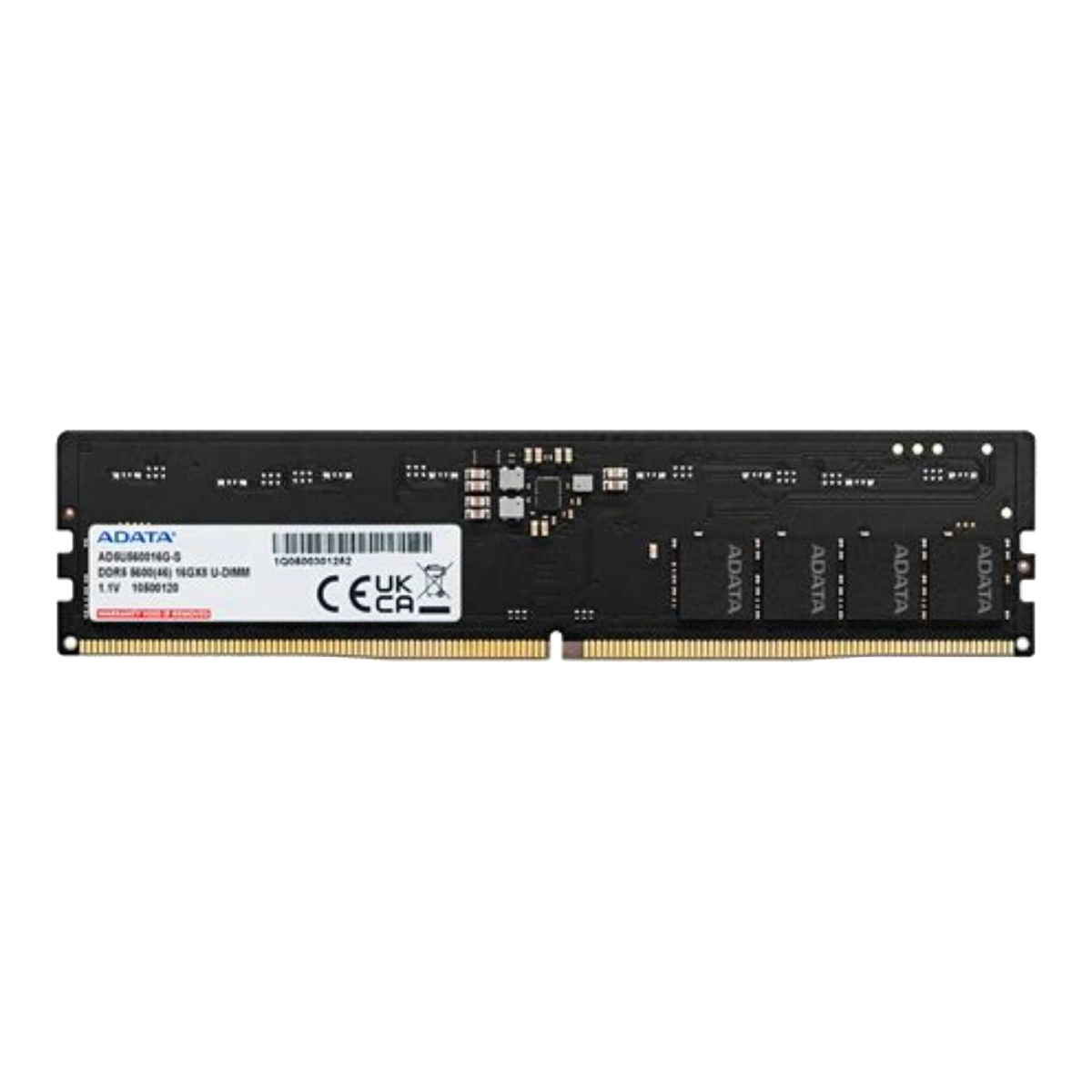
DDR5 is not a drop-in replacement for DDR4. Before buying memory, match three things: the RAM generation supported by the processor, the generation and module format supported by the motherboard or complete system, and the exact module specification. A higher DDR number or higher advertised data rate does not override a DDR4-only slot, a DDR5-only platform, or a system capacity limit.
The safest starting point is the exact motherboard or laptop model. Closely related board names may support different memory generations. ASUS, for example, lists the PRIME Z790-P D4 with four DDR4 DIMM slots, while the PRIME Z790-P without the D4 suffix has four DDR5 DIMM slots.[11][12] The shared “Z790-P” portion is therefore not enough to choose RAM. Check the full model name printed on the board, shown in firmware, or listed in the system documentation.
Physical similarity does not mean interchangeability
Official ADATA examples show why checking only the pin count is unsafe. Its DDR4-3200 desktop U-DIMM is 288-pin and operates at 1.2 V, while its DDR5-5600 desktop U-DIMM is also 288-pin but operates at 1.1 V.[1][3] They belong to different standards and require the corresponding DDR4 or DDR5 motherboard support. Never use the shared “288-pin” description as evidence that one generation can replace the other, and never force a module into a slot.
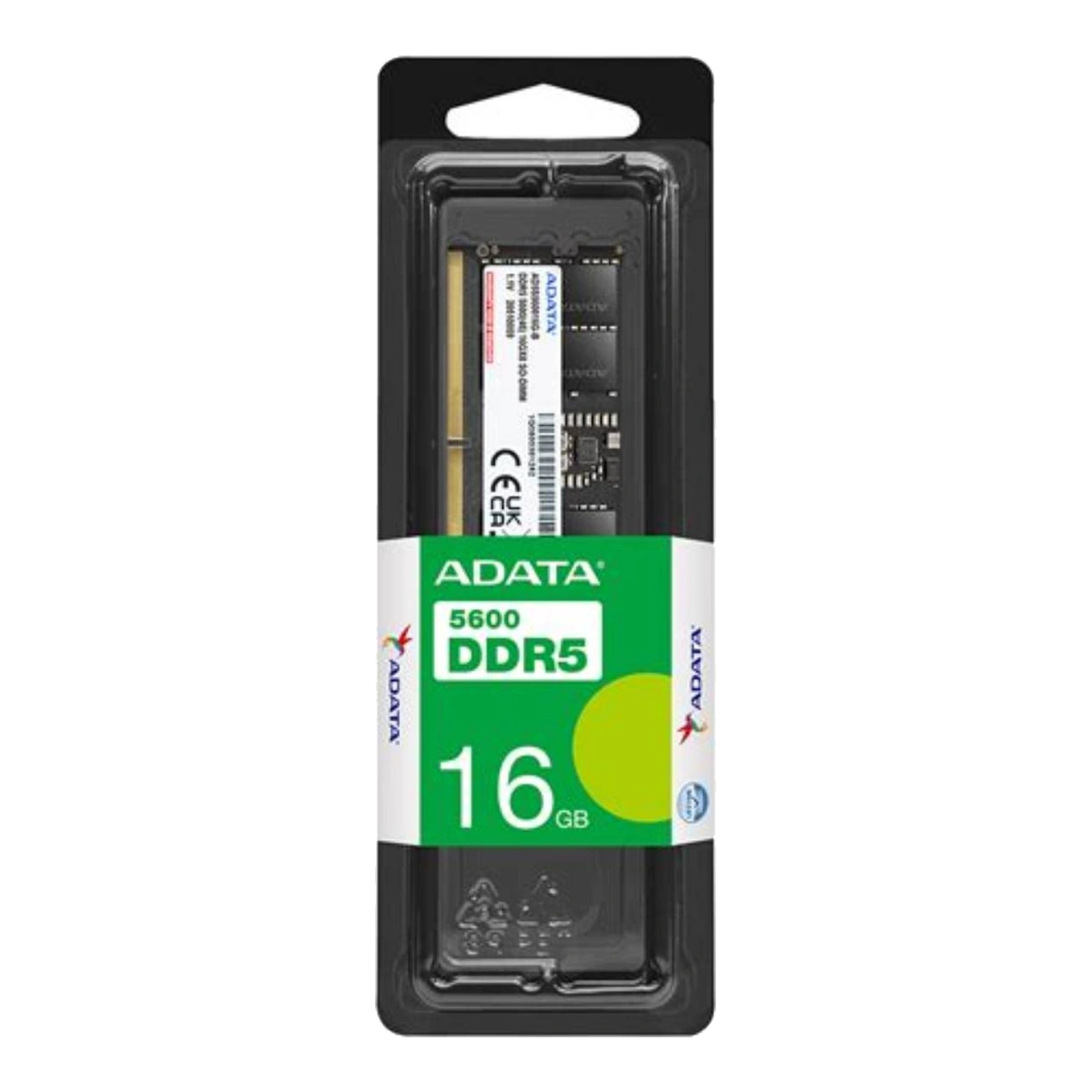
The distinction is also present in compact notebook modules. ADATA’s DDR4-3200 SO-DIMM is 260-pin and 1.2 V; its DDR5-5600 SO-DIMM is 262-pin and 1.1 V.[2][4] In both desktop and laptop purchases, identify the complete description—DDR generation plus U-DIMM or SO-DIMM—not merely “DIMM,” “laptop RAM,” or the capacity.
Check the CPU and motherboard together
The memory controller in a modern processor imposes its own limits. Intel’s official support guidance tells users to consult the processor specification for maximum memory size, supported memory type, maximum memory speed and number of channels.[5] This CPU check must be combined with the motherboard or laptop specification. A processor may support more than one memory generation across the wider platform, while an individual motherboard is built with one physical slot type, as the two ASUS Z790-P variants demonstrate.[11][12]
Do not assume that every processor from a brand or socket supports the same memory. AMD’s Ryzen 5 7600, for example, lists DDR5, two channels and a 128 GB maximum; those figures apply to that processor and remain subject to the motherboard specification.[6]
Rated speed versus supported speed
A label such as DDR4-3200 or DDR5-5600 describes the module’s rated data rate; it is not a promise that every system will run it at that rate. ADATA states that the actual operating frequency of its DDR5-5600 SO-DIMM is limited by motherboard and CPU support.[4] The final operating setting can also depend on how many modules are installed and their organization. AMD’s Ryzen 5 7600 page, for instance, lists DDR5-5200 for specified two-DIMM configurations and DDR5-3600 for specified four-DIMM configurations.[6] This is a concrete example of configuration-dependent support, not a universal DDR5 rule.
Use the lowest supported result from the actual CPU, motherboard firmware, slot population and modules as the planning ceiling. Do not present overclocked listings as guaranteed standard operation.
Capacity, channels and mixed modules
Check maximum capacity at both processor and system level. Distinguish module capacity, kit capacity and total system capacity: a 32 GB kit may contain two 16 GB DIMMs, while a 32 GB module is one DIMM. Slot count alone does not establish the supported total.
DDR4 and DDR5 modules should not be mixed in one system. A board with DDR4 slots requires DDR4 modules; a board with DDR5 slots requires DDR5 modules.[11][12] Within the same DDR generation, separately purchased modules with different capacities, speeds, timings, ranks or revisions may sometimes boot, but their behaviour should not be guaranteed. A cited ASUS manual allows varying capacities across channels on that model, yet recommends the same CAS latency and modules of the same version or date code from the same vendor for optimum compatibility.[10] A matched kit is the safer choice when installing two or more modules.
Follow the manual’s slot-population diagram.[8] Four populated sockets can have a different supported speed from two; more modules are not automatically equivalent to the same capacity in fewer modules.[6]
QVL and BIOS checks
Use the motherboard or system vendor’s memory QVL to look for the exact module or kit part number. ASUS’s QVL process exposes details such as vendor, part number, size, speed and supported socket population.[7] A QVL entry is useful evidence that the vendor tested that item under a stated configuration, but an omitted part is not automatic proof of incompatibility. MSI explicitly notes that unlisted memory may still be compatible and that its report is updated continuously.[9]
Check the vendor support page for the current BIOS and its release notes, especially before installing a newly released module density or a configuration not covered by the original manual. Do not claim that a BIOS update will make an unsupported DDR generation compatible; firmware cannot turn DDR4 slots into DDR5 slots. Update firmware only according to the system vendor’s instructions and because the relevant notes or support guidance justify it.
Compatibility decision tree
- Identify the exact computer or motherboard model and processor.
- Does the system specify DDR4 or DDR5? Buy only that generation.
- Does it require U-DIMM or SO-DIMM? Match the physical module format.
- Is the memory replaceable, and how many sockets are available?
- Check maximum total capacity, any per-socket limit and supported module class.
- Check the CPU and system’s standard speed for the intended number of modules.
- Follow the manual’s preferred sockets.
- Check the current QVL and BIOS notes using the exact RAM part number.
- Prefer one matched kit for the target capacity instead of combining unrelated modules.
Related catalogue products
Sources
- ADATA — Premier DDR4 3200 U-DIMM Desktop RAM | ADATA (Global)Accessed: 2026-10-23
Supported claim: this desktop U-DIMM is DDR4, 288-pin, 1.2 V, unbuffered, non-ECC, and approximately 133.35 × 31.25 × 3.19 mm; listed module capacities include 4 GB, 8 GB, 16 GB and 32 GB; listed speed is 3200 MT/s.
- ADATA — Premier DDR4 3200 SO-DIMM Laptop RAM | ADATA (Global)Accessed: 2026-10-23
Supported claim: this notebook SO-DIMM is DDR4, 260-pin, 1.2 V, unbuffered, non-ECC, and approximately 69.6 × 30 × 3.5 mm; listed capacities include 4 GB, 8 GB, 16 GB and 32 GB; listed speed is 3200 MT/s.
- ADATA — DDR5-5600 U-DIMM Memory Module DatasheetAccessed: 2026-10-23
Supported claim: the ADATA DDR5-5600 desktop U-DIMM is 288-pin, 1.1 V, unbuffered, non-ECC, approximately 133.35 × 31.25 × 4.61 mm, and offered in specified capacities including 8 GB, 16 GB, 24 GB, 32 GB and 48 GB.
- ADATA — DDR5 5600 SO-DIMM Laptop RAM | ADATA (Global)Accessed: 2026-10-23
Supported claim: this notebook SO-DIMM is DDR5, 262-pin, 1.1 V, approximately 69.6 × 30 × 3.69 mm, unbuffered and non-ECC; listed capacities include 8 GB, 16 GB, 24 GB, 32 GB and 48 GB; ADATA states that actual operating frequency is limited by motherboard and CPU support.
- Intel — How to Find Max Memory Size, Max Speed, and Max Number of Channels Supported by Intel ProcessorsAccessed: 2026-10-23
Supported claim: Intel directs users to the processor specification page for maximum memory size, supported memory type, maximum memory speed and number of memory channels. Processor support is therefore one required compatibility check, separate from the RAM module’s own rating.
- AMD — AMD Ryzen 5 7600Accessed: 2026-10-23
Supported claim: a current official processor specification can state the supported memory type, maximum capacity, channels and different maximum speeds for different DIMM/rank configurations. The Ryzen 5 7600 page, for example, lists DDR5, two channels, up to 128 GB, DDR5-5200 for certain two-DIMM configurations and DDR5-3600 for specified four-DIMM configurations. These figures are an example for that processor, not a rule for all AMD systems.
- ASUS — [Motherboard] How to query (CPU/memory) QVL List?Accessed: 2026-10-23
Supported claim: ASUS provides model-specific CPU and memory QVL lookup instructions and identifies memory QVL fields such as vendor, part number, size, speed and supported socket population.
- ASUS — [Motherboard] How to install DRAM (Memory) on Motherboard?Accessed: 2026-10-23
Supported claim: users should consult the motherboard manual for supported memory, socket placement and installation procedure; ASUS gives model-specific slot-population guidance rather than one universal slot order.
- MSI — [Motherboard] How to Check Memory Support Specifications and Support Report?Accessed: 2026-10-23
Supported claim: the motherboard specification and compatibility report provide supported memory type, capacity, frequency and tested modules; MSI also states that a module absent from the compatibility report may still be compatible and that the report is continuously updated.
- ASUS — TUF GAMING B460M-PLUS (WI-FI) User ManualAccessed: 2026-10-23
Supported claim: this model’s manual allows varying memory sizes across channels but recommends DIMMs with the same CAS latency and, for optimum compatibility, modules of the same version or date code from the same vendor. This is a useful model-specific caution, not a universal promise for every board.
- ASUS — PRIME Z790-P D4 Tech SpecsAccessed: 2026-10-23
Supported claim: the D4 model has four DDR4 DIMM slots and model-specific capacity/speed support.
- ASUS — PRIME Z790-P Tech SpecsAccessed: 2026-10-23
Supported claim: the non-D4 model has four DDR5 DIMM slots and model-specific capacity/speed support. Together with [12], this shows why the exact motherboard model—not only the processor family or chipset name—must be checked.