Portable SSD
How to choose a portable SSD
Choose by host interface, connector, cable, capacity, protection and working conditions—not peak speed alone.- Published
- Updated
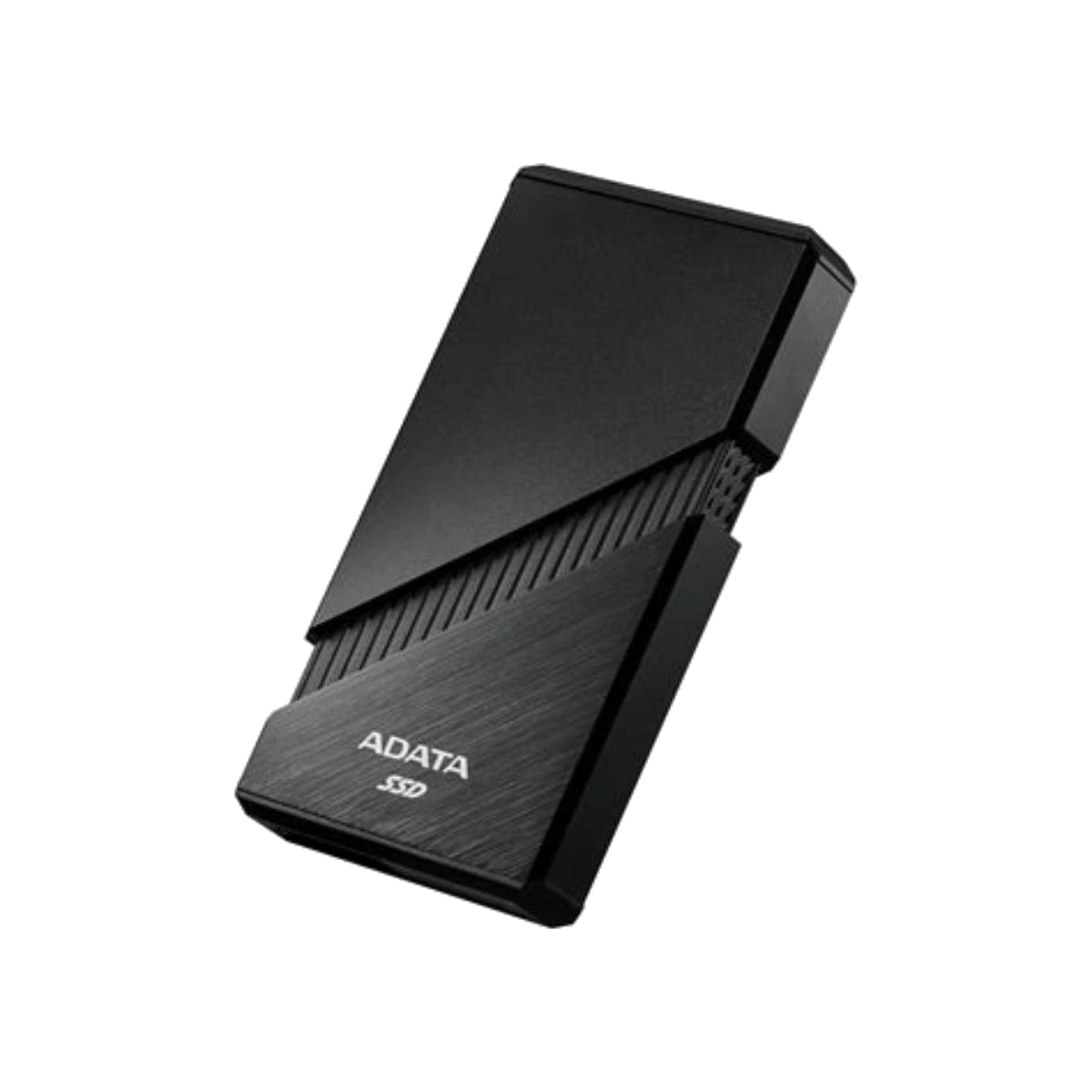
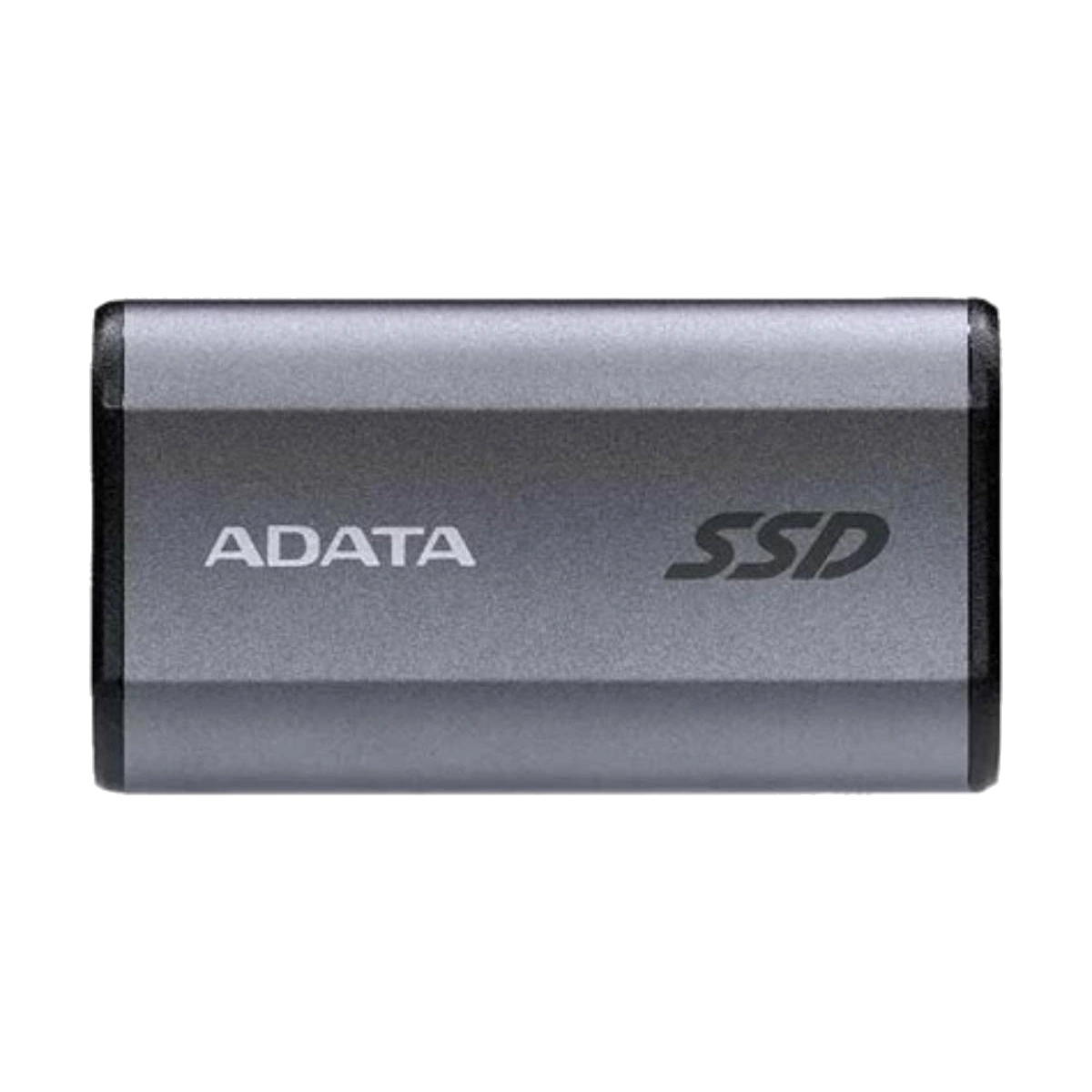
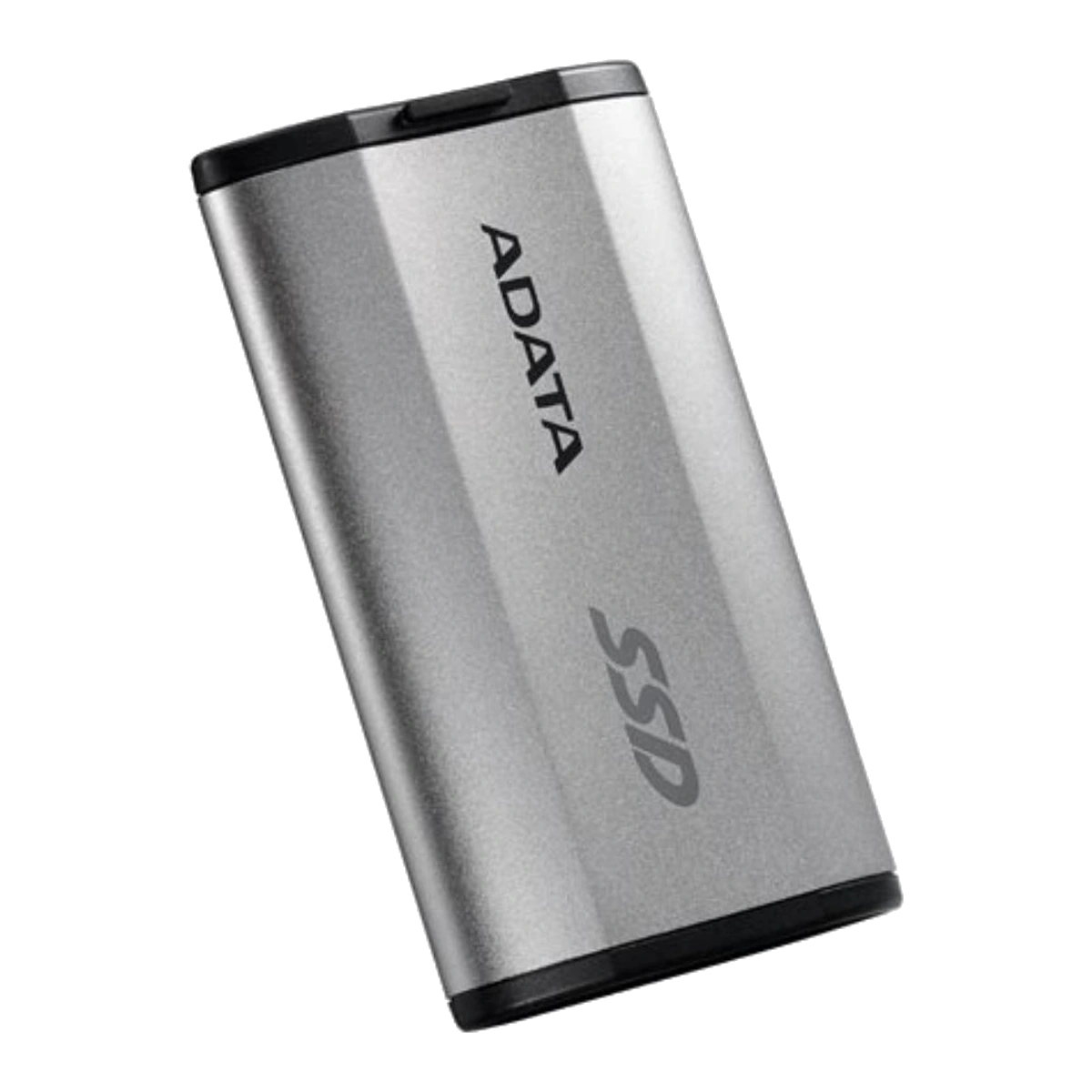
A portable SSD can make large file transfers, project hand-offs and device backups more convenient, but the best choice is not automatically the model with the largest number on its box. Start with the devices you will actually connect: their port type, supported USB data rate, operating system, available space and physical working conditions.
1. Check the whole connection chain
USB-C describes a connector, not one fixed performance level. USB-IF says USB4 supports operation at 20Gbps or 40Gbps and dynamically scales to the best mutual capability of the connected devices.[1] USB-IF also documents certified USB-C cables with different supported data rates, including USB 20Gbps and USB 40Gbps cables.[2] In practice, the host port, SSD interface, cable or adapter, and any hub must all support the required mode. The slowest link can limit the connection.
This is why an SSD’s advertised interface rate and its quoted sequential transfer figure should not be treated as a promise for every computer or phone. They also use different units: USB interfaces are commonly labelled in gigabits per second, while storage transfer ratings are commonly stated in megabytes per second. ADATA’s own product notes say actual performance can vary with hardware and software configuration.[3][4][5][6][7]
Before buying, consult the computer, tablet, phone or console documentation. Confirm both the connector and the supported data mode. If a drive uses a detachable cable, use a cable rated for the intended data rate; a cable that fits physically is not necessarily equivalent.
2. Choose the physical format for your workflow
Cabled, high-bandwidth portable SSDs suit desks, editing stations and frequent large transfers. The ADATA SE920 uses USB4 and a Type-C connection, while the SE880 and SD810 use USB 3.2 Gen 2x2 over Type-C.[3][4][5] These interface labels describe compatibility ceilings, not the speed any particular host will deliver. For example, a USB 3.2 Gen 2x2 drive needs a compatible host mode to use that interface as designed.
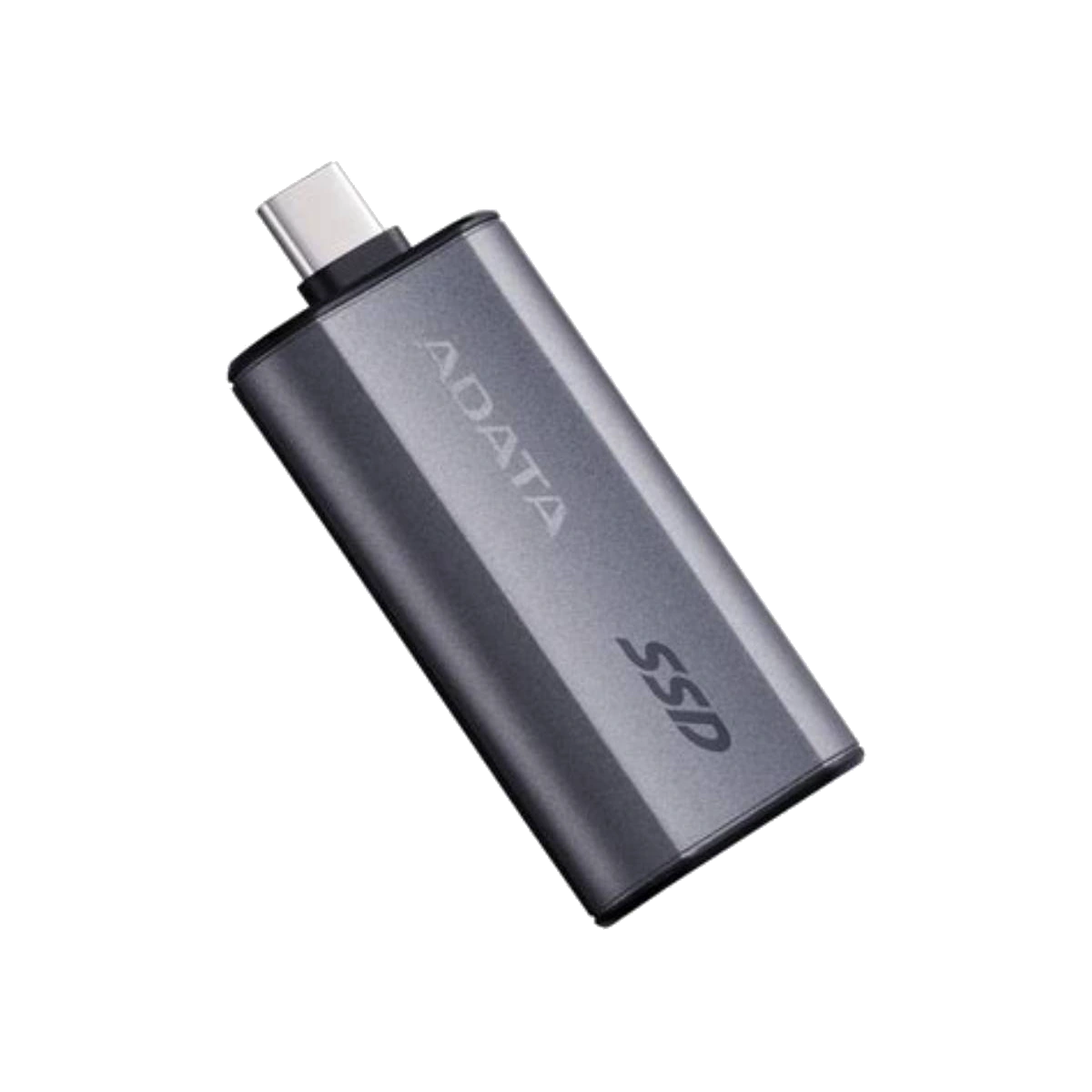
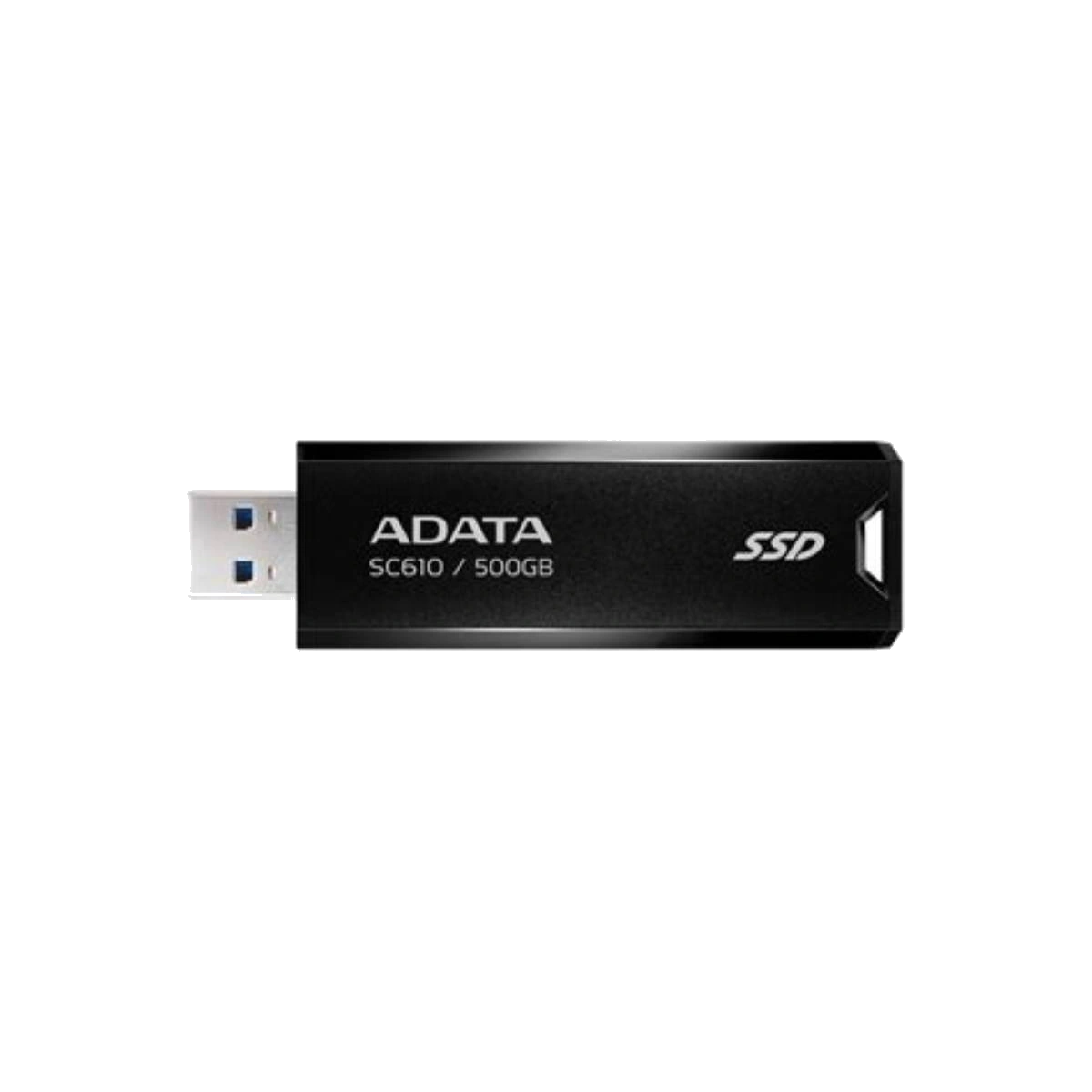
Direct-connect SSDs reduce the need to carry a separate data cable. The SC750 has a built-in Type-C connector and the SC610 has a retractable Type-A connector; both list USB 3.2 Gen 2 interfaces.[6][7] Choose between them according to the ports on your devices rather than assuming one plug style is inherently faster. A direct connector is convenient for short, cable-free use, but the drive remains physically attached to the port. Consider surrounding port clearance and how the device will be handled while connected.
Rugged cabled SSDs are intended for work where exposure and drops are realistic concerns. Use only documented protection claims. ADATA lists the SD810 as IP68-rated for dust and water resistance and as meeting MIL-STD-810G 516.6 drop testing from 1.22 metres. Its product page also states that protection applies when the USB port cover is firmly closed.[4] These ratings do not make a drive indestructible, and they should not be extended to models without the same documented certification.
3. Match capacity to the job
Estimate how much active data you need to carry, then leave working headroom. A photographer moving selected shoots may need less space than a video editor carrying source footage, proxies and exports. A software installer or presentation library may prioritise pocketability over maximum capacity. Check the exact capacity offered for the exact model and market because availability can change.
Also distinguish portable working storage from backup. Keeping the only copy of an important project on a small drive is not a backup strategy. Maintain another verified copy on a separate device or service, and eject the SSD properly before disconnecting it.
4. Read performance claims in context
Manufacturer sequential read and write figures are useful for placing models into broad interface tiers, but they are not a prediction of your complete workflow. File size, queue pattern, free space, temperature, host implementation, power delivery, file system, encryption and software can all influence observed results. Sustained transfers can also behave differently from short benchmark bursts.
Use the official specification as a ceiling for comparison, then ask whether your host can support the same interface. SE920 is positioned around a USB4 40Gbps interface; SE880 and SD810 around USB 3.2 Gen 2x2; SC750 and SC610 around USB 3.2 Gen 2.[3][4][5][6][7] Buying a higher-interface model may still make sense for future devices, but do not expect a current slower port to become faster merely because the SSD supports a newer mode.
5. Check compatibility details
Review supported operating systems, connector type, included cable or adapter, drive dimensions, weight and operating requirements on the current product page. If you plan to connect to a phone, tablet, camera or game console, check that device maker’s storage, formatting and power requirements as well. “USB-C compatible” by itself does not confirm every function, mode or workload.
Quick decision guide
- Choose SE920 when you specifically have, or plan to use, a compatible USB4 workflow and want ADATA’s higher-interface cabled option.[3]
- Choose SE880 for a compact cabled Type-C design with a USB 3.2 Gen 2x2 interface.[5]
- Choose SD810 when its documented IP68 and drop-test conditions address a real field-use need.[4]
- Choose SC750 when a built-in Type-C connector is more useful than a separate cable.[6]
- Choose SC610 when a retractable Type-A direct connector matches your computers.[7]
The right portable SSD is the model whose connector, interface, protection, capacity and form factor match your equipment. Treat peak specifications as selection data—not a guarantee of actual device performance.
Related catalogue products
Sources
- USB4® | USB-IFAccessed: 2026-10-23
Supported claim: USB4 20Gbps/40Gbps operation; connection scales to mutual capabilities; current USB-IF performance framing.
- Cables and Connectors | USB-IFAccessed: 2026-10-23
Supported claim: USB-C cable categories carry different certified data-rate capabilities; connector shape alone does not establish the data mode.
- SE920 External SSD | ADATA (Global)Accessed: 2026-10-23
Supported claim: SE920 USB4/Type-C positioning, official interface/specification and performance-variation qualification.
- SD810 External SSD | ADATA (Global)Accessed: 2026-10-23
Supported claim: USB 3.2 Gen 2x2/Type-C; IP68; MIL-STD-810G 516.6 1.22m drop test; port-cover condition; official performance disclaimer.
- SE880 External SSD | ADATA (Singapore)Accessed: 2026-10-23
Supported claim: SE880 USB 3.2 Gen 2x2/Type-C interface and compact cabled format; official specification context.
- SC750 External SSD | ADATA (United States)Accessed: 2026-10-23
Supported claim: Built-in Type-C direct connector; USB 3.2 Gen 2; official specification and performance disclaimer.
- SC610 External SSD | ADATA (Global)Accessed: 2026-10-23
Supported claim: Retractable Type-A direct connector; USB 3.2 Gen 2; official specification and performance disclaimer.